RPA vs. Workflow Automation: Which One Should You Build On?
RPA automates the screen. Workflow automation talks to APIs. Here's how they differ on reliability, security, and scale, and how to pick the right one.
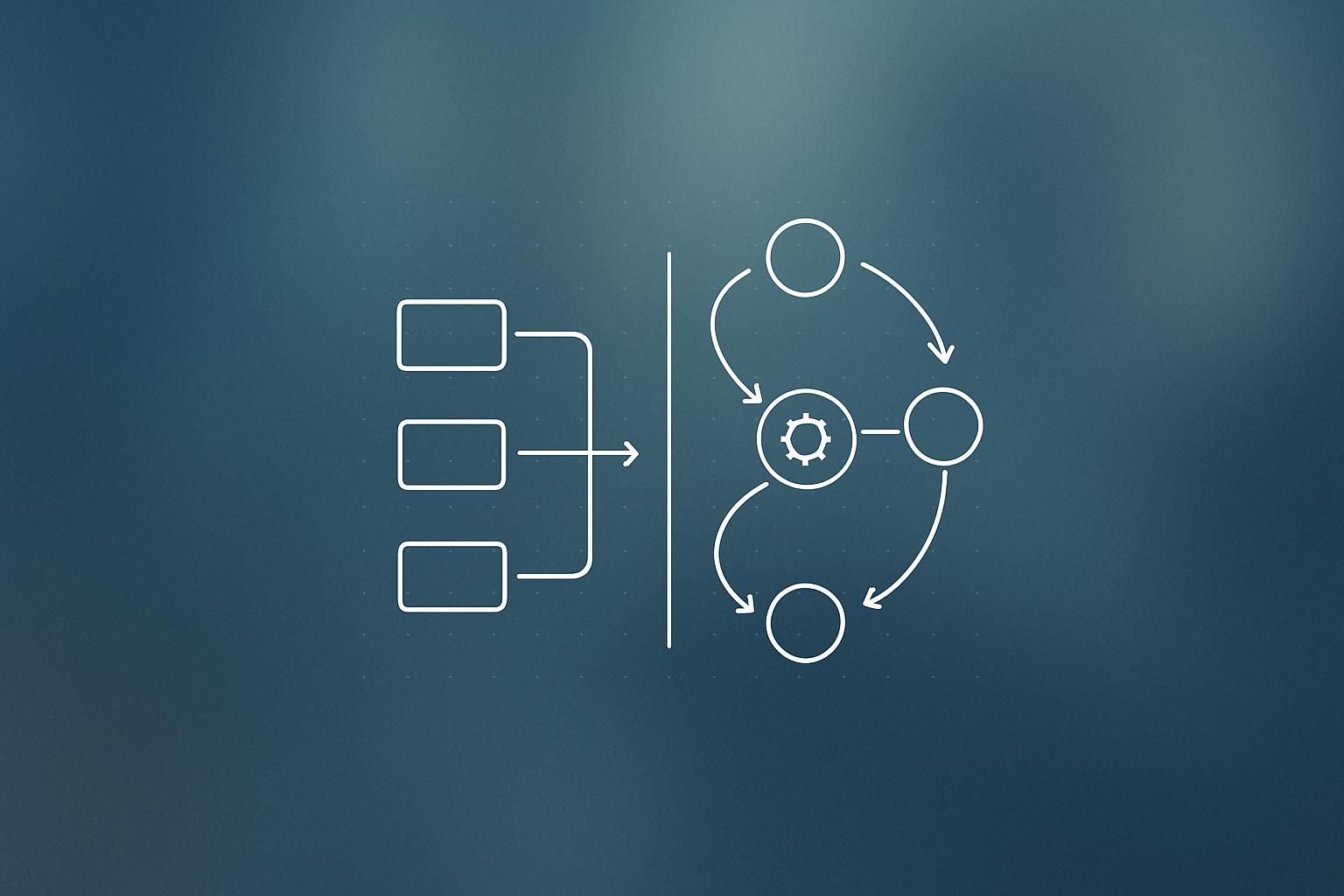
When you sit down to automate a business process, the first real decision is not which tool to use. It is whether to automate the user interface or the underlying systems. Robotic process automation (RPA) takes the first path: bots click buttons and scrape screens just as a human would. Workflow automation takes the second: it connects to APIs, listens to events, and manages state explicitly. The choice shapes reliability, security, and how much maintenance you will carry for years to come.
What happened
The n8n team published a detailed breakdown of how RPA and workflow automation differ across the factors that matter most in production: observability, security, reliability, scalability, and team accessibility. Here is what each approach actually does and where each one breaks down.
How each approach works
RPA: automating the screen
Robotic process automation (RPA) works by mimicking what a person does inside an application. Bots use selectors, screen scraping, and computer vision to find on-screen elements, then click, type, and navigate on your behalf. They can run with a human watching (attended) or fully on their own (unattended).
Because bots need application credentials, most RPA platforms store those in secure vaults or secrets managers rather than hard-coding them into bot scripts. RPA is often the only practical choice when the software you need to automate does not expose an API.
Workflow automation: talking to the system directly
Workflow automation connects to the underlying systems through APIs and events rather than the UI. A typical platform provides triggers, state management, queues, retries, timeouts, and error handling. A workflow might start when a customer submits a form, pass data through several applications, pause for a human approval, and then resume automatically once a condition is met. Because state is explicit and execution happens at the API level, it is far easier to trace what went wrong and why.
How do RPA and workflow automation compare side by side?
| Factor | RPA | Workflow Automation |
|---|---|---|
| How it connects | User interface (clicks, screen scraping) | APIs and events |
| Observability | Logs available, but root cause often requires screen-level debugging | Execution history, audit trails, and logs show exactly where a process failed |
| Security | Bots need user-level app access; credential vaults help but complexity grows with scale | Role-based access controls per API action; shared service accounts reduce granular visibility |
| Reliability | Small UI changes (screen layout, menu) can break bots | More stable, but API deprecations must be monitored closely |
| Scaling | More bots, more infrastructure, more UI dependencies | Designed to handle larger workloads without UI as intermediary |
| Accessibility | Low-code builders work for simple tasks; complex bots need specialist knowledge | Visual builders for speed; code access for complex logic |
Why it matters
The wrong choice early creates compounding maintenance costs. RPA bots are brittle by nature: a redesigned login page or a renamed field can silently break a bot that was running fine for months. You only notice when a process stops producing output. The bigger your fleet of bots, the more this becomes a full-time job.
Workflow automation is more stable, but it is not immune to breakage. Some services deprecate API endpoints gradually, while others cut over all connections at once. Teams who build on APIs still need to monitor version changes and plan for migrations. The difference is that API failures tend to surface clearly, with error codes and logs, rather than as mysterious gaps in output.
Security is also worth thinking through carefully. RPA bots often hold the same credentials a human employee would, which means a compromised bot can do a lot of damage. Workflow automation typically uses service accounts with scoped API permissions, which is cleaner, but when many automated actions share one account, granular audit trails become harder to produce.
If you are building or expanding workflow automation for your business, understanding these trade-offs before you commit to a platform will save significant rework later.
Our take
In practice, most businesses do not face a pure either-or choice. RPA is genuinely useful when you are dealing with legacy software that has no API and is unlikely to get one. It is a pragmatic bridge, not an architecture you want to build your long-term stack on.
For anything where an API exists, workflow automation is the better foundation. The observability alone is worth it: when a CEO asks why a report was wrong, “I traced the execution log and found the API call failed at 2:14am” is a much better answer than “I need to replay the screen recording.”
One thing the n8n article is right to flag but easy to underestimate: API deprecation risk is real. We have seen workflow automations break because a vendor migrated all connections to a new version without warning. Build in monitoring for API version announcements from any service you depend on, and factor migration time into your maintenance estimates.
If you are deciding between the two approaches for a specific project, it is worth mapping every system involved and checking API availability first. Only reach for RPA where there is genuinely no alternative. You can read more in our AI and automation news coverage for how these tools continue to evolve.
What to do about it
- List every application your process touches and confirm whether each one exposes an API.
- Use workflow automation for any system with a stable API. Reserve RPA for legacy systems with no API access.
- For RPA bots, store credentials in a vault and document which applications each bot can access.
- For workflow automations, subscribe to API changelog notifications for every service you connect to.
- Build error handling (retries, timeouts, alerts) into any automation you run in production, regardless of approach.
- Review your automation stack with a specialist if you are unsure which architecture fits your current processes. Our team is available to help at any stage of the planning process.
Start with the API audit. If the API exists and is stable, workflow automation is almost always the right call.
Building an automation like this? Most client workflows we ship run on Make (referral link, it supports our reporting). If you would rather have it built and monitored for you, that is our workflow automation service.
Frequently asked questions
What is the difference between RPA and workflow automation?
RPA automates tasks by mimicking what a human does on screen, using selectors, screen scraping, and computer vision. Workflow automation connects directly to underlying systems through APIs and events, making it easier to scale, troubleshoot, and maintain.
When should I use RPA instead of workflow automation?
RPA is best suited for legacy software that does not expose an API. If direct system integration is not available, RPA bots can still automate the process by interacting through the user interface.
Is workflow automation more reliable than RPA?
Generally yes. Because workflow automation connects via APIs rather than the UI, it is not broken by minor screen or layout changes. However, API deprecations can still break workflow automations if not monitored.
What are the security risks of RPA bots?
RPA bots typically need the same application credentials a human user would, which increases risk if a bot is compromised. Most modern RPA platforms store credentials in secure vaults rather than directly in bot scripts to reduce this exposure.