Build an AI Event Venue Operator with MongoDB Atlas, Voyage, and LangGraph
A step-by-step tutorial for building a LangGraph AI agent that reads live venue state, retrieves event memory, and writes outcomes back to MongoDB Atlas.
A new tutorial published on Marktechpost shows how to build an AI agent that handles real-time event operations, specifically a fictional premium tennis tournament called the MongoDB Open, facing an incoming rain delay on Day 6. Unlike most agent demos, this one gives the agent persistent memory, live venue state, and the ability to write outcomes back to the database for future events. The stack is MongoDB Atlas, Voyage AI multimodal embeddings, LangGraph for agent orchestration, and optional Langfuse tracing, deployable locally or to Vercel.
What happened
| Detail | Fact |
|---|---|
| Stack | MongoDB Atlas, Voyage AI embeddings, LangGraph, FastAPI, optional Langfuse tracing |
| Deployment target | Local or Vercel (hosted demo included) |
| Python requirement | 3.12 or later |
| Atlas requirement | Cluster with Vector Search enabled (free tier works) |
| LLM used | Anthropic Claude (Vision RAG endpoint) |
| Scenario | MongoDB Open, fictional tennis tournament, Day 6, rain approaching, constrained covered hospitality |
| US Open 2025 context | $90M total player compensation; US Open drives $1.2B annual economic impact for NYC (per USTA) |
| PwC fan spending stat | 60% of high-income U.S. sports fans would spend over $250 for a special event; 20% over $1,000 |
The tutorial centers on a fictional scenario: the MongoDB Open, a premium tennis tournament. Rain is 20 minutes out. Covered hospitality space is filling up. The agent must handle two visitor journeys at the same time: Mikiko, a first-time attendee exploring the grounds, and Nina, a premier guest with a hospitality history the agent can retrieve from memory. The agent needs to act while capacity still exists, not produce a post-event report.
How the architecture works
The core design decision is using MongoDB Atlas as both the operational database and the vector memory layer. Most agent architectures split these into separate systems, which creates sync lag. Here, operational records, semantic memory, Voyage multimodal embeddings, visual documents, and LangGraph checkpoints all live in the same Atlas cluster.
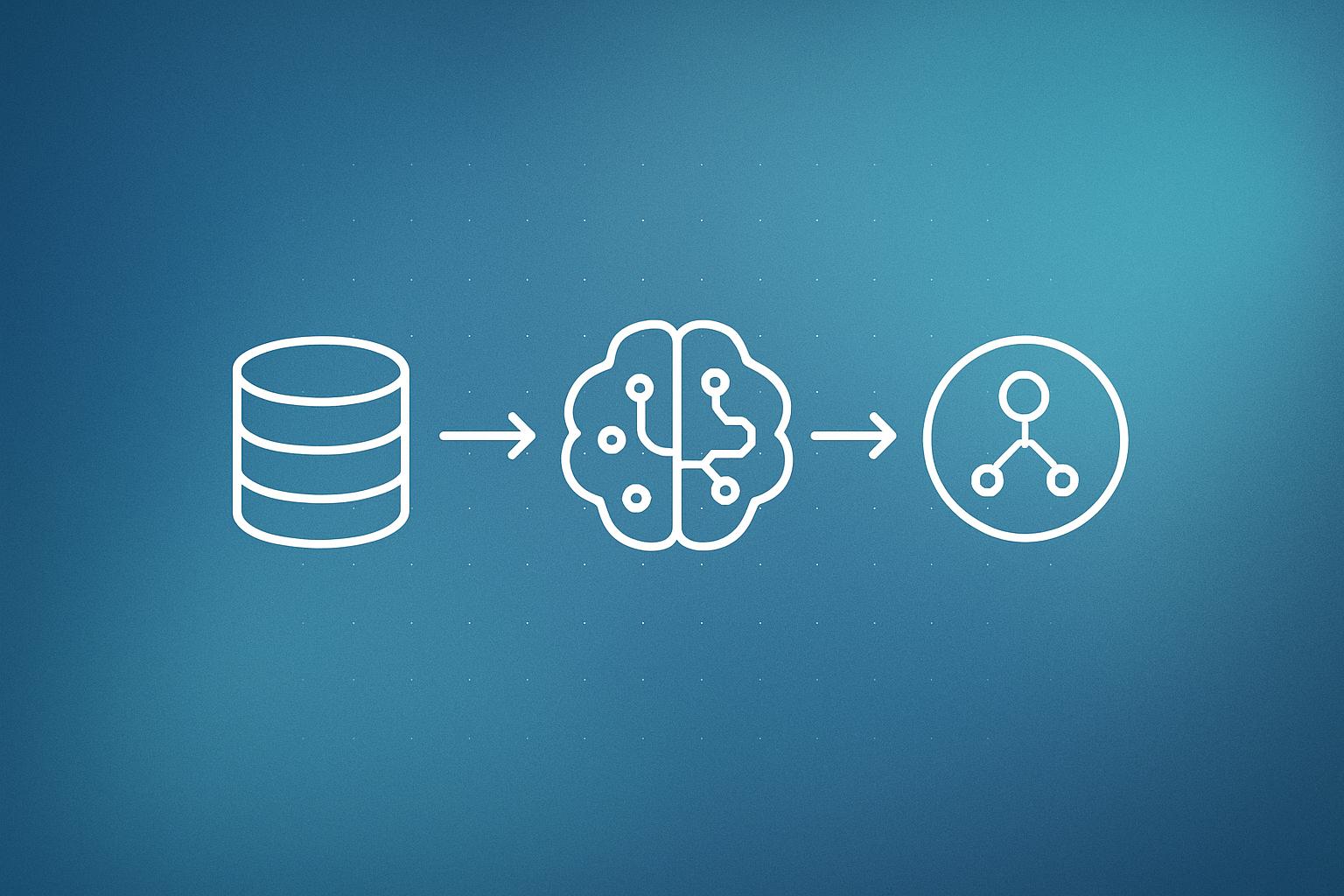
The agent loop follows four steps: perceive the current venue state, retrieve relevant context, decide on an action, and write the outcome back. That last step is the part most demos skip. Writing outcomes back means the next rain-delay event starts with more context than the first.
The demo uses four Atlas collections:
- Operational records: guests, visits, venue status, weather events, reservations, event metrics, and agent actions.
- Semantic memory: a
memory_storecollection holding Voyage embeddings indexed with Atlas Vector Search. - Visual documents: operational images embedded as multimodal vectors in the same memory store.
- Agent state: LangGraph checkpoints and checkpoint writes for graph resumption.
What the app actually includes
The finished build is a FastAPI app with a four-tab guided UI. The tabs walk through the event-operations story while validating live backend calls. Specific endpoints covered in the tutorial:
- Atlas Vector Search for semantic memory retrieval.
- A hybrid retrieval endpoint combining vector similarity with lexical scoring.
- A Vision RAG endpoint that fetches operational images and passes them to Claude Vision.
- A runnable LangGraph script that executes the full rain-delay scenario.
- Optional Langfuse tracing on retrieval calls and the LangGraph run.
The tutorial also includes a Vercel deployment configuration so the demo can be shared publicly. The full repo is available and positioned as a reference implementation, not a production platform. The authors are explicit: no production auth, no CI suite, and the LangGraph agent is a script-based validation path rather than a public endpoint.
Why does this architecture matter for real operations?
The USTA reports the US Open generates more than $1.2 billion in annual economic impact for New York City. The 2025 edition broke attendance, viewership, and digital records and paid $90 million in total player compensation. PwC data shows 60% of high-income U.S. sports fans would pay more than $250 for a special event experience. When a rain delay degrades that experience, the cost is real and fast.
The U.S. Census Bureau now tracks the monetary impact of extreme weather on business sales through its Business Trends and Outlook Survey, which the tutorial cites to ground the scenario in genuine operational risk. That context matters for anyone building operational AI for venues, hospitality, or live events where decisions have a short useful window.
This pattern of using a single database as both the system of record and the agent memory layer is directly relevant to teams building AI integrations for operations-heavy businesses. When memory and operational state are separate, the agent is always working with stale context. Keeping them together shortens the loop.
Why it matters
Most published agent tutorials demonstrate retrieval or tool calling in isolation. This one shows the full loop: read state, retrieve memory (including images), decide, act, write back. That write-back step is what turns a single-use demo into something that accumulates operational knowledge over time.
The hybrid retrieval endpoint (vector similarity plus lexical scoring) is also worth noting. Pure vector search misses exact-match queries like booking IDs or specific guest names. Combining both is standard practice in production search but rarely shown in agent tutorials. If you are building workflow automations that need to pull records by ID and by semantic similarity in the same query, this pattern applies directly.
Our take
The scenario is fictional, but the architecture choices are sensible. Consolidating operational data and vector memory into one Atlas cluster genuinely reduces the moving parts in an agent loop, and the tutorial is honest about what is missing (auth, CI, a live agent endpoint). The Vision RAG endpoint is the most interesting piece: pulling an operational image, embedding it with Voyage multimodal embeddings, and passing it to Claude Vision in the same retrieval call is a pattern most teams have not tried yet.
The caveats matter though. This is a reference demo written for a builder audience. The gap between “it runs as a script” and “it handles real venue traffic” is significant. Anyone looking to take this pattern toward a real deployment should expect to add auth, rate limiting, proper error handling on the LangGraph checkpoints, and load testing on the Atlas Vector Search indexes before calling it production-ready. Browse the latest AI coverage on Lumien for more context on where agent tooling is heading in 2026.
What to do about it
- Clone the repo and run the FastAPI app locally against a free Atlas cluster with Vector Search enabled.
- Work through the four UI tabs in order: they follow the rain-delay scenario sequentially and validate each backend call.
- Test the hybrid retrieval endpoint with both semantic queries and exact-match identifiers to see where vector-only search would fall short.
- Enable optional Langfuse tracing before running the LangGraph script so you can inspect every retrieval call and agent decision step.
- Before moving toward production, add authentication, define your Atlas index schemas carefully, and stress-test the agent checkpoint writes under concurrent load.
If your business runs live events, hospitality, or any operation where decisions have a short useful window, the write-back memory pattern here is worth understanding even if you never touch the MongoDB Open code.
Building an automation like this? Most client workflows we ship run on Make (referral link, it supports our reporting). If you would rather have it built and monitored for you, that is our workflow automation service.
Frequently asked questions
What is LangGraph used for in this tutorial?
LangGraph handles agent orchestration, including the graph execution loop and checkpoint writes that allow the agent to resume state between steps. In the demo it runs as a script that follows a rain-delay scenario at a fictional tennis tournament.
Why use MongoDB Atlas instead of a separate vector database for agent memory?
Keeping operational records and vector embeddings in the same Atlas cluster means the agent can query current venue state and retrieve semantic memory in the same data layer, without waiting for a sync pipeline or reconciling two separate systems.
What is hybrid retrieval in the context of this demo?
The demo's hybrid retrieval endpoint combines Atlas Vector Search (semantic similarity) with lexical scoring. This lets the agent find conceptually related memories while still matching on exact identifiers like guest names or booking IDs.
Can I deploy this agent to production as described?
The tutorial authors describe the repo as a reference demo, not a production platform. It has no production authentication, no CI suite, and the LangGraph agent runs as a local script rather than a hosted endpoint. Additional engineering is required before production use.