Vercel Chat SDK Gets an Instagram Adapter for DM Bots
Vercel's Chat SDK now supports Instagram via a new adapter. Build bots that send DMs, media, quick replies, and handle story replies through Meta's API.
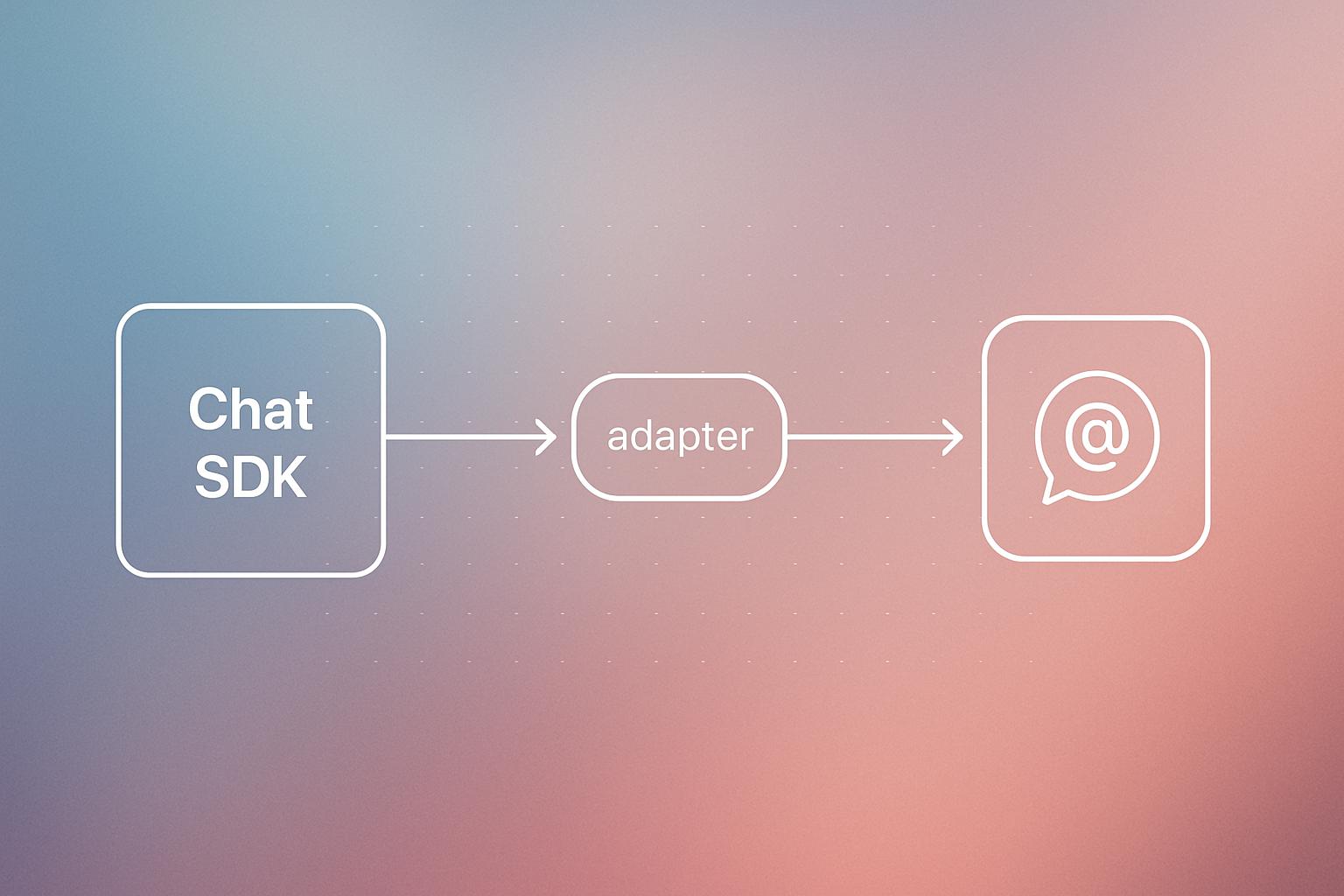
Vercel has added an Instagram adapter to its Chat SDK, making it possible to build Instagram DM bots directly within the same framework developers already use for other chat interfaces. The adapter connects through Meta's Instagram Messaging API, supports a Business or Creator account requirement, and handles messages, media, quick replies, link buttons, typing indicators, reactions, and story replies. Two important constraints apply: streamed responses send as a single message after the stream finishes, and Meta limits bot replies to within 24 hours of a user's last message.
What happened
| Feature | Detail |
|---|---|
| New adapter | Instagram adapter for Vercel Chat SDK |
| Underlying API | Meta’s Instagram Messaging API |
| Account requirement | Professional Business or Creator account |
| Messaging window | 24 hours from user’s last message |
| Streaming behaviour | Responses buffered, sent as one message on stream completion |
Vercel’s Chat SDK now includes an Instagram adapter that lets developers build bots for Instagram direct messages. The adapter covers the full range of basic interactions: sending and receiving DMs and media files, rendering cards as quick replies or link buttons, showing typing indicators, logging reactions, and capturing story replies.
What can these bots actually do?
The feature set maps closely to what the Instagram Messaging API already supports. Bots can respond to a user who replies to a story, which is a common entry point for customer conversations on the platform. Quick replies let you surface option buttons inside a message, and link buttons let you drive traffic out to a URL.
One practical consideration: streaming, the technique where text arrives word by word rather than all at once, does not work the way you might expect on Instagram. Vercel buffers the streamed output and sends it as one complete message once the stream finishes. That means users see a slight delay rather than a live typing effect.
Why it matters
Instagram has become a real customer service and sales channel for many businesses, particularly in e-commerce, hospitality, and local services. Until now, building an Instagram bot typically meant a separate integration project with Meta’s API, often outside whatever framework a team was already using for web chat or other messaging platforms.
Having this inside Chat SDK means a team that has already built a web-based AI assistant can extend it to Instagram with far less extra work. The same underlying logic, prompts, and tooling carry over. That is the practical value here, not the novelty of Instagram bots themselves, which have existed through third-party tools for years.
If you are already using Vercel for web development and want to add conversational AI to your Instagram presence, this lowers the integration cost considerably.
Our take
This is a sensible addition, not a flashy one. The 24-hour messaging window is the biggest real-world constraint to plan around. If a user messages you and does not get a reply within that window, your bot goes silent until they message again. For businesses running async support workflows, that is a meaningful limit.
The buffered streaming is also worth noting. If your AI model takes five seconds to generate a response, the user waits five seconds and then sees the full message appear at once. That is fine for most support use cases but could feel clunky in conversational flows designed to feel natural. Test the latency before going live.
For teams already on the Vercel stack, this is worth evaluating now. For everyone else, the same adapter pattern exists through other tools and direct Meta API work. If you want help scoping an Instagram bot or a broader AI integration for your business, we cover exactly this kind of project.
What to do about it
- Confirm your Instagram account is set to Business or Creator status in account settings.
- Read Vercel’s adapter documentation to understand the setup steps and Meta app approval requirements.
- Map out the 24-hour window against your support team’s hours so you know when human handoff is needed.
- Build a test bot with a simple FAQ flow before wiring in a more complex AI model.
- Measure response latency in staging so you can decide whether buffered streaming is acceptable for your use case.
The 24-hour window is the rule that will shape your bot design more than anything else, plan around it first.
Frequently asked questions
What account type do I need to use the Chat SDK Instagram adapter?
You need a professional Business or Creator account on Instagram. Personal accounts are not supported.
Does the Chat SDK Instagram bot support streaming responses?
Streaming is supported internally, but responses are buffered and sent as one complete message once the stream finishes. Users do not see text arrive word by word.
What is the 24-hour messaging window on Instagram bots?
Meta's Instagram Messaging API restricts bots to replying only within 24 hours of the user's most recent message. After that window closes, the bot cannot send messages until the user writes again.
What can an Instagram bot built with Vercel Chat SDK do?
It can send and receive DMs and media, display quick reply buttons and link buttons, show typing indicators, receive reactions, and handle replies to Instagram stories.