GitHub CodeQL Config Files Now Apply Across Entire Organizations
GitHub's new github-codeql-config-file repository property lets you apply one CodeQL config to every repo in your org. Now GA on github.com.
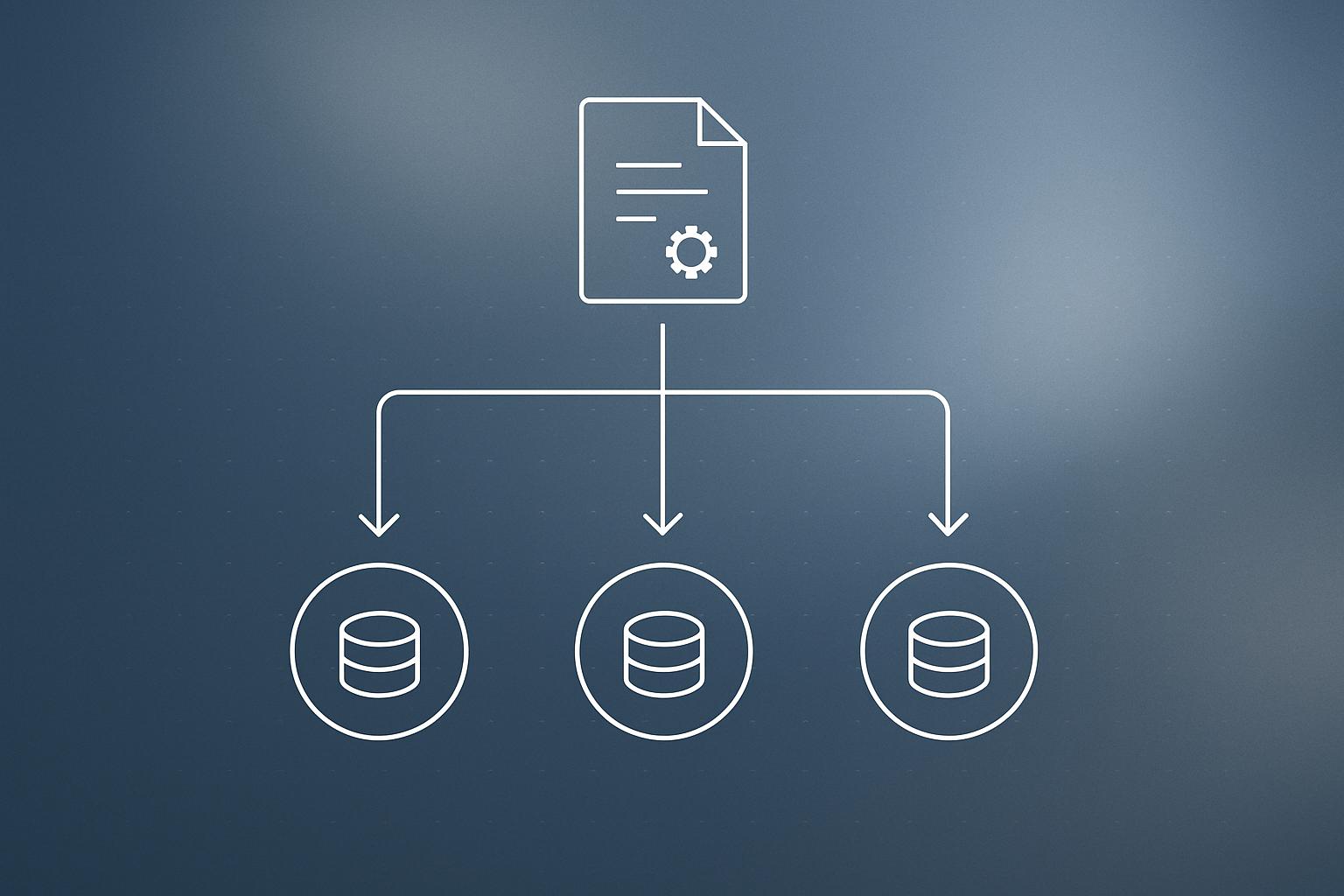
GitHub has made it possible to apply a single CodeQL security-scanning configuration across every repository in an organization, using a new repository property called github-codeql-config-file. Previously, teams that wanted granular control over how CodeQL scanned their code had to maintain a GitHub Actions workflow file in each repository. The feature is now generally available on github.com and will be included in GitHub Enterprise Server 3.23.
What happened
| Detail | Value |
|---|---|
| New property name | github-codeql-config-file |
| Availability | Generally available on github.com |
| Enterprise Server release | GitHub Enterprise Server 3.23 |
| Scope | Single repo or entire organization |
| Token requirement for private config repos | Replaced by Git Source private registry |
GitHub has added a repository property, github-codeql-config-file, that points CodeQL’s default setup at a configuration file of your choosing. When the property is set, code scanning merges your custom settings with its built-in defaults rather than replacing them. You can add queries, exclude paths, or set threat models, and the scan still runs without a manually maintained Actions workflow.
Any threat models and CodeQL model packs you previously selected in the default setup UI are preserved in the merged result, so existing tuning is not wiped out.
How org-wide enforcement works
Repository properties already support organization-wide default values, and this property is no different. An organization owner can set one config file in a central repository and have every repository pick it up automatically. Owners also control whether individual repositories are allowed to override the value, giving teams flexibility where it is needed while keeping a security baseline everywhere else.
GitHub’s changelog notes you can test a value on a single repository before rolling it out org-wide, which is a sensible way to validate a new query pack or path exclusion without breaking CI across the board.
Pointing at config files in other repositories
A new, more flexible syntax lets you reference a config file stored in a different repository. Only the repository name is required. If you omit the ref and the file path, CodeQL falls back to a default configuration file path on that repository’s main branch, within the same organization.
If the repository holding your config is private, you no longer need to store a personal access token inside a workflow. Instead, you configure a Git Source private registry for your organization, and default setup gains access automatically.
Why does this matter for engineering teams?
The old choice was binary: use default setup (easy, but hard to customize at scale) or switch to advanced setup (fully flexible, but requires an Actions workflow file per repository). This property closes that gap. Security and platform teams can now own one config file and push it everywhere, while product teams keep the low-maintenance scanning they rely on.
For organizations with dozens or hundreds of repositories, the reduction in workflow file sprawl is real. Updating a query pack or exclusion rule goes from a multi-repo pull request campaign to a single file edit.
If you are already using GitHub Copilot or other GitHub-native tooling as part of a broader AI integration strategy, this fits the same pattern: centralize configuration, reduce per-project overhead, let teams focus on code rather than tooling maintenance.
Our take
This is a quiet but genuinely useful release. The pain of maintaining Advanced Setup workflows in every repository is real, and the workaround of copying YAML files around is error-prone. A single property-driven config that merges with defaults is the right model.
The private registry approach for cross-repo config access is also cleaner than token management in workflows, which was a common source of credential hygiene problems. Worth noting: this only covers CodeQL’s default setup. If your team has already fully customized Advanced Setup workflows, this does not replace those. But for teams still on default setup who want more control without the maintenance burden, it is a straightforward win.
If you are building or auditing your team’s security posture alongside your web stack, our web development service includes repository and CI/CD setup guidance as part of the engagement.
What to do about it
- Create or identify a central repository in your organization to host your CodeQL configuration file.
- Set the github-codeql-config-file repository property on one test repository first, pointing at that config file.
- Review the merged scan results and adjust queries, path exclusions, or threat models as needed.
- Roll the property out as an organization-wide default once you are satisfied with the results.
- If your config repository is private, configure a Git Source private registry for your organization rather than adding tokens to workflows.
- Decide per team whether to allow or block local overrides of the org default.
One config file, one place to update: that is the practical takeaway here.
Frequently asked questions
What is the github-codeql-config-file repository property?
It is a new GitHub repository property that points CodeQL's default setup at a custom configuration file. Code scanning then merges your settings with its built-in defaults, so you get granular control without maintaining a GitHub Actions workflow file in each repository.
Can I apply one CodeQL config to all repositories in my organization?
Yes. Organization owners can set github-codeql-config-file as an org-wide default value. Every repository picks up the config automatically, and owners can choose whether individual repositories are allowed to override it.
When does this feature ship for GitHub Enterprise Server?
According to GitHub's changelog, the feature will ship with GitHub Enterprise Server 3.23. It is already generally available on github.com.
How do I give CodeQL access to a private config repository without storing a token in a workflow?
Configure a Git Source private registry for your organization. This grants default setup access to the private repository containing your config file, removing the need to manage a personal access token inside a workflow.