Google Pixel 11 Pro’s HiLight LED: What It Does and What’s Missing
Google's HiLight on the Pixel 11 Pro pulses for calls and Gemini interactions. Here's what it does at launch, what's missing, and whether it's worth caring about.
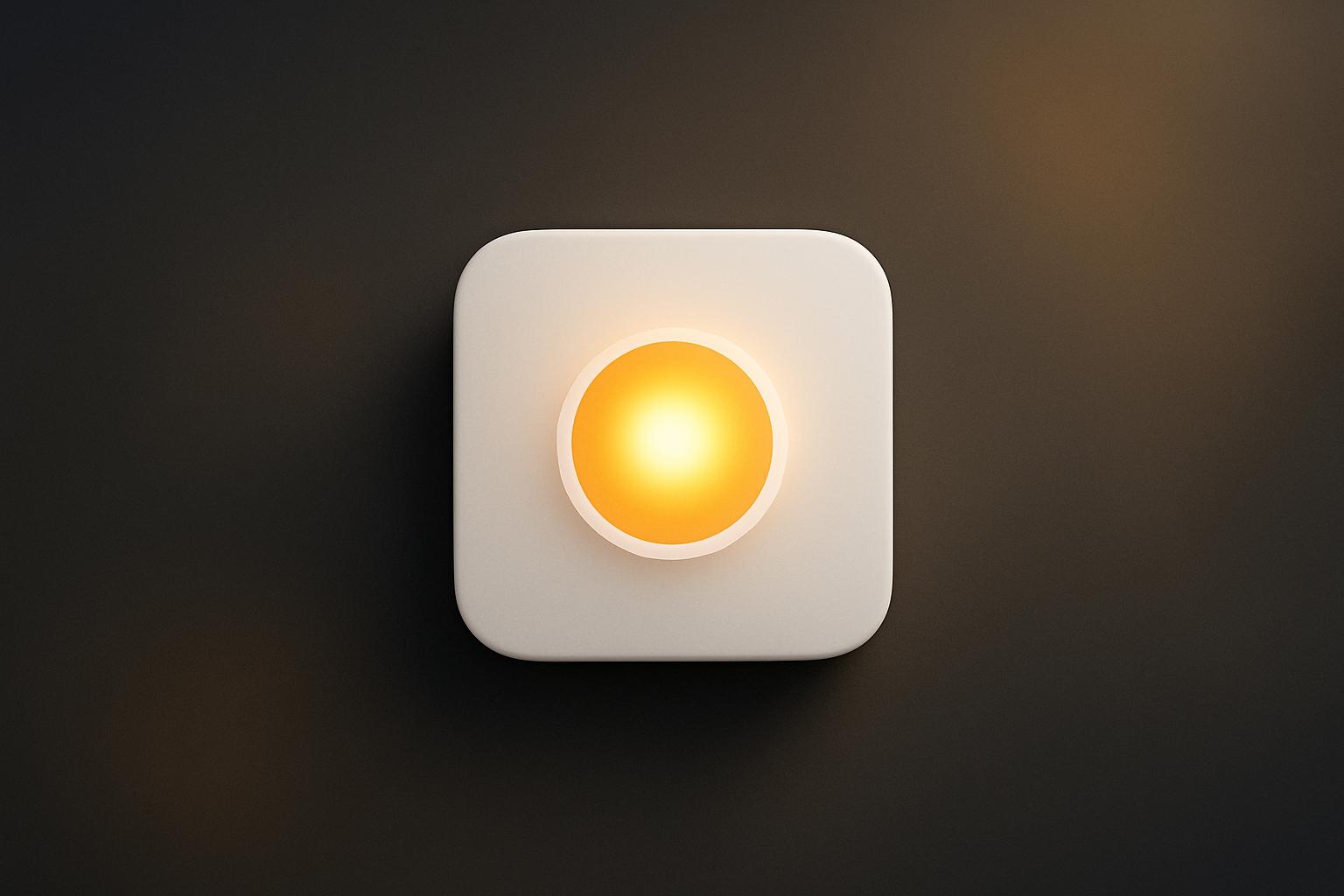
Google introduced HiLight with the Pixel 11 Pro lineup at its Made by Google 2026 event: a pulsing LED indicator built into the camera bump, taking the spot previously occupied by the temperature sensor. At launch the feature covers two use cases, incoming phone calls and active Gemini interactions. It does not appear on the base Pixel 11. The feature is subtle rather than bright, and Google has only confirmed one future integration so far, with the Messages app, while third-party support remains unannounced.
What happened
| Detail | Fact |
|---|---|
| Feature name | HiLight |
| Location on device | Camera bump (replaces temperature sensor) |
| Supported devices | Pixel 11 Pro models only (not base Pixel 11) |
| Launch triggers | Incoming calls, Gemini listening/thinking/responding |
| Confirmed future integration | Messages app |
| Accessibility | Color patterns designed for users with color blindness |
Google’s Pixel 11 Pro phones ship with a small LED indicator set into the camera bump. The company calls it HiLight. When a call comes in, or when the Gemini voice assistant is active, the bump pulses with a wave of color. That is the full scope of what it does on day one.
According to ZDNET’s early observations, the indicator is not particularly bright. It sits closer to a subtle ambient signal than a hard-to-miss alert, which means users will need to consciously look for it rather than catch it from across a room. Google told ZDNET the color design was built with accessibility in mind, specifically so that people with color blindness can still read the difference between states.
Why it replaced the temperature sensor
The Pixel 9 Pro included a temperature sensor in the same position on the camera module. Google removed it to make room for HiLight. That trade-off will frustrate some users who relied on the sensor, but the decision reflects a deliberate choice to prioritize a notification display layer over environmental data. Google has not detailed any plans to bring the temperature sensor back to a different location.
HiLight is also paired with the Pixel’s existing “Flip-to-shhh” gesture, which silences the phone when placed face-down. Google frames both features as tools for digital well-being rather than pure utility.
What is Google planning next for HiLight?
Google confirmed to ZDNET that it is working on integration with the Messages app, which the publication’s writer expects will focus on favorited contacts and group chats. Beyond that, the company has not announced any other roadmap items, including whether it will open the indicator API to third-party developers.
The closest precedent is Nothing’s Glyph interface, which uses a similar array of LEDs on the back of Nothing phones and does support third-party app integrations. Nothing’s design is more visually distinctive and divides opinion. Google’s more restrained approach could make HiLight easier for mainstream developers to adopt, provided Google actually invites them.
That “provided” is doing a lot of work. As ZDNET’s Kerry Wan notes, Google has a mixed record of sustaining hardware and software features over the long term. HiLight is already replacing a sensor some users valued, so commitment to expanding it is not guaranteed.
Why it matters
Notification LEDs disappeared from Android phones roughly a decade ago when always-on OLED displays became the preferred solution for glanceable alerts. The trade-off was that always-on displays consume more battery and require the screen to be visible. A dedicated indicator light consumes almost no power and works when the phone is face-up but the screen is off.
For business users specifically, the practical case is simple: a passive light that signals a call or an active AI assistant is less disruptive than a lit screen in a meeting. If Google follows through on Messages integration and eventually opens HiLight to third-party apps, the feature becomes meaningfully more useful. As a two-trigger system at launch, it is more of a proof of concept.
The AI angle is also worth watching. HiLight’s Gemini integration means the indicator can show when an AI agent is processing in the background, which is a small but concrete step toward making on-device AI activity legible without needing to stare at a screen. For teams exploring AI integration across their workflows, that kind of ambient feedback layer is an early signal of where device-level AI UX is heading.
Our take
HiLight is a sensible idea with a very thin feature set at launch. Two triggers, no third-party support, and one future integration in the pipeline is not a finished product. It is a bet that developers and users will care enough to pull Google toward expanding it.
The Nothing Glyph comparison is fair, and Google’s larger install base genuinely does give it a better shot at developer adoption. But Google has cancelled enough features and products over the years that a “we’re working on it” roadmap deserves skepticism. If you are following the Pixel 11 Pro for this feature specifically, wait six months before judging whether HiLight becomes a platform or stays a gimmick.
Our broader read on the Pixel 11 Pro launch, including the hardware specs and Gemini integration, is covered in our full Pixel 11 event breakdown.
What to do about it
- If you are evaluating the Pixel 11 Pro, treat HiLight as a bonus rather than a reason to buy. The two-trigger launch scope is too narrow to justify a purchase decision.
- Check Google’s release notes at launch for any last-minute additions to HiLight’s trigger list before the phone ships.
- Watch for a Messages app update in the months following launch. That will be the real test of whether Google is serious about expanding the feature.
- If you use Nothing phones and rely on Glyph integrations today, do not switch expecting parity. HiLight does not yet match Glyph’s third-party app depth.
A useful LED indicator requires a developer ecosystem behind it. Without that, HiLight stays a two-trick light.
Frequently asked questions
What does HiLight do on the Pixel 11 Pro?
HiLight is a pulsing LED indicator in the Pixel 11 Pro's camera bump. At launch it lights up for incoming phone calls and when Gemini is listening, thinking, or responding. No other triggers are available at launch.
Does the regular Pixel 11 have HiLight?
No. HiLight is exclusive to the Pixel 11 Pro models. The base Pixel 11 does not include the feature.
Did Google remove the temperature sensor to add HiLight?
Yes. HiLight occupies the same position in the camera bump that the temperature sensor used on Pixel 9 Pro models. Google replaced the sensor with the LED indicator.
Will HiLight support third-party apps?
Google has not confirmed third-party app support. The only future integration announced so far is with the Messages app. The company has not given a timeline for that either.