GitHub npm Trusted Publishing: Multiple OIDC Configs Now Available
GitHub now lets npm maintainers add multiple OIDC trusted publishing configs per package, with malware scanning gates and a staged version history tab.
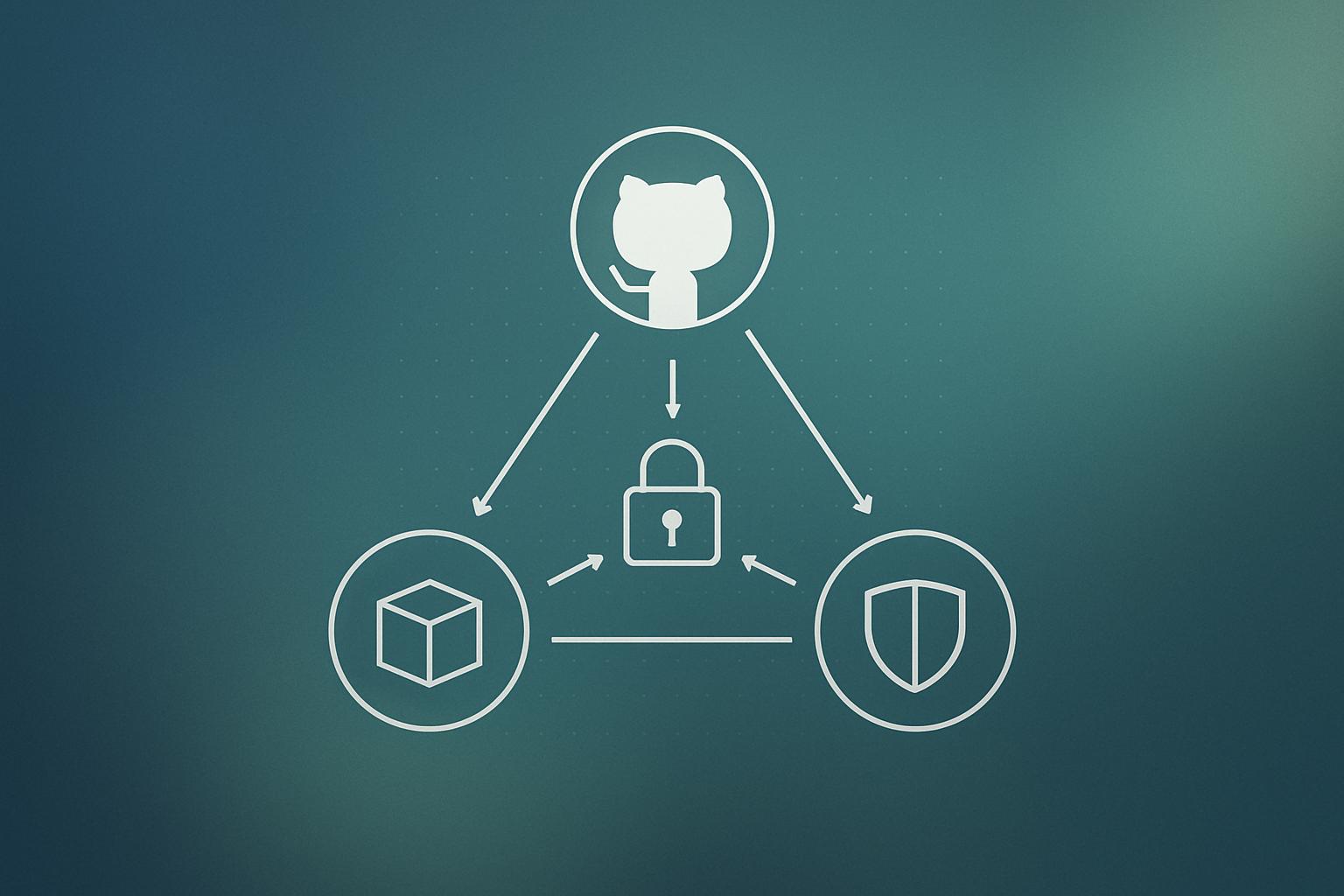
GitHub has shipped three updates to npm trusted publishing, now generally available. Maintainers can attach more than one OIDC (OpenID Connect) configuration to a single package, so separate workflows for stable, prerelease, and staging releases no longer need workarounds or long-lived tokens. Two smaller changes land alongside it: the staged-package approval button is now disabled until malware scanning completes, and the npmjs.com versions tab shows a full staged history for each package version.
What happened
| Feature | Detail |
|---|---|
| Multiple OIDC configs per package | Now generally available; previously limited to one |
| Approval gate for staged packages | Button disabled while malware scan is still running |
| Status refresh interval | Page refreshes scan status every minute |
| Versions tab history | Shows approved, rejected, or still-staged status per version |
| Direct publish via OIDC | Opt-in per configuration; staging is the default |
GitHub shipped these three changes to npm trusted publishing on September 3, 2026, citing feedback from package maintainers. Trusted publishing uses OIDC tokens so a GitHub Actions workflow can publish to npm without storing a long-lived secret. Until now, each package was limited to a single OIDC configuration, which forced teams managing multiple release tracks (stable, prerelease, staging) into token-based workarounds.
How multiple configurations actually work
Each configuration is independent. It carries its own repository, workflow file, and environment criteria. When a publish or stage request arrives, npm checks whether the incoming OIDC token matches any one of the configurations. A match from any configuration is enough to authorize the action.
A few constraints worth knowing:
- Configurations do not interact with or restrict each other.
- Evaluation order is not guaranteed, so do not write logic that depends on which configuration matched.
- Every configuration can stage a package by default. Direct publishing (bypassing the staging queue) is opt-in and has to be enabled per configuration.
- You can add, list, and remove configurations from your package’s settings page on npmjs.com.
Why the malware scanning gate matters
Staged publishing already required a human to approve a version before it went live on the registry. The problem was that a maintainer could technically approve a package before the malware scan had finished. The approval button is now disabled while scanning is in progress and becomes clickable only once the scan completes. The status page refreshes every minute so maintainers are not left guessing.
The result is that no staged package can reach the public registry without both a clean scan and a human sign-off. A compromised workflow that somehow triggers a publish will still hit the staging queue, not the live registry, and it will not clear the queue until a person reviews it after the scan.
Does this change how I should set up npm publishing in CI?
For most teams, the short answer is: add a second OIDC configuration rather than keeping a long-lived npm token in GitHub Secrets. GitHub explicitly recommends keeping all configurations set to staging only, which means every publish goes through the approval queue and malware scanning regardless of which workflow triggers it.
If you currently run separate workflows for a beta channel and a production release, you previously needed either one token or one workaround. Now you create two configurations on the package settings page and point each one at the relevant workflow file. No token rotation, no shared secret.
Teams building their own internal packages or tooling should also look at whether the new staged history in the versions tab gives them the audit trail they need. Previously you had to infer publish history from registry metadata. Now the tab shows explicitly whether a version was approved, rejected, or is still sitting in the staging queue.
Why it matters
Supply chain attacks on npm packages are a real and recurring problem. Malicious maintainers, compromised credentials, and typosquatting have all been used to push malicious code to the registry at scale. Trusted publishing removes long-lived tokens from the equation. Multiple configurations close the last common gap where tokens had to creep back in for edge-case workflows.
For teams using web development pipelines that depend on npm packages, the practical benefit is a registry where the approval and scanning steps are harder to skip, even unintentionally. The new malware scan gate in particular means the staging queue is now a genuine checkpoint rather than a cosmetic one.
You can follow discussion and ask questions in the GitHub community thread linked from the changelog. GitHub’s recent attention to AI agent security is a useful backdrop for understanding why tightening publishing pipelines matters right now.
Our take
This is a well-scoped set of improvements. The multiple-configuration feature solves a concrete and well-documented pain point without adding much complexity. The staging-only default is the right call: it nudges teams toward a safer posture without forcing it on every workflow.
The malware scan gate is the change we find most practically important. Before this, the approval button being clickable mid-scan was a subtle footgun. A rushed maintainer doing a release at 11pm could approve before results were in. That gap is now closed by the UI itself, which is better than relying on documented guidance that people skim.
If you manage any npm packages and have not yet moved to trusted publishing, this is a good moment to start. The settings page is straightforward, and the staged workflow is now genuinely production-ready. If you want help wiring this into a CI/CD setup, our team works on exactly this kind of pipeline work. Get in touch and we can walk through your current setup.
Bottom line: add a second OIDC configuration instead of keeping that long-lived npm token around, and set both configs to staging only.
Frequently asked questions
How many OIDC trusted publishing configurations can an npm package have?
There is no stated limit. GitHub removed the previous one-per-package cap on September 3, 2026, so you can add as many configurations as your workflows require.
What is npm staged publishing?
Staged publishing adds a human approval step before a package version becomes publicly available on the registry. A workflow can push a release to the staging queue, but it only goes live after a maintainer approves it and malware scanning completes.
Can a compromised GitHub Actions workflow push directly to npm with trusted publishing?
Not if configurations are kept in staging mode, which is the default. A compromised workflow can only push to the staging queue, where a human must approve it and malware scanning must finish before the version goes live.
Where can I manage npm trusted publishing configurations?
You can add, list, and remove configurations from your package's settings page on npmjs.com.