GitHub ELM Is GA: Migrate GHES Repos to Cloud With Near-Zero Downtime
GitHub's Enterprise Live Migrations (ELM) is now generally available, letting teams move GHES repositories to GitHub Enterprise Cloud with near-zero downtime.
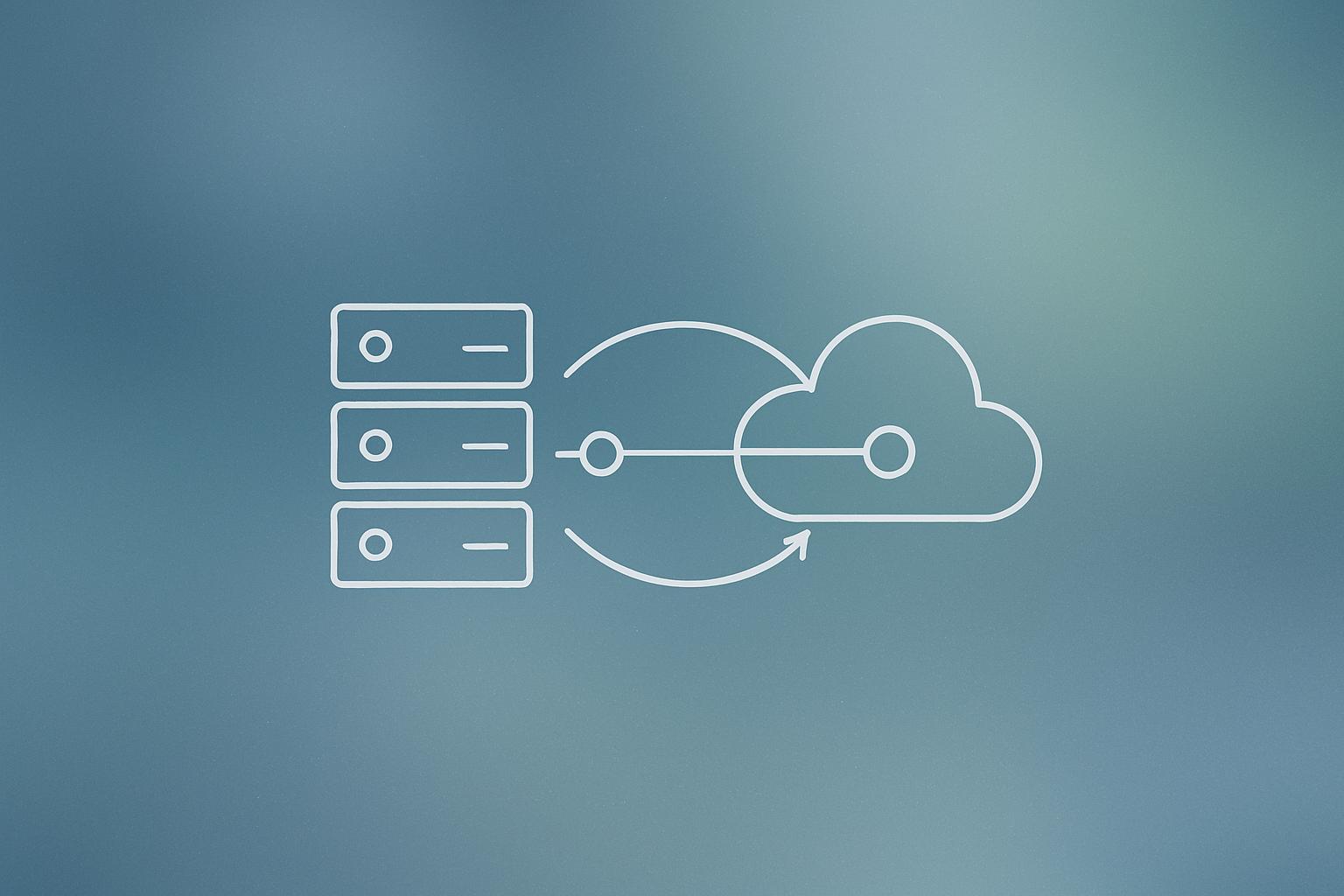
GitHub announced on 1 September 2026 that Enterprise Live Migrations (ELM) is now generally available. The tool lets engineering teams move repositories from GitHub Enterprise Server (GHES) to GitHub Enterprise Cloud with Data Residency (GHEC DR) with near-zero downtime. Unlike traditional migration approaches that require a maintenance window, ELM continuously syncs changes so developers can keep committing right up until the final cutover, which GitHub says takes minutes rather than days.
What happened
| Detail | Fact |
|---|---|
| Announcement date | 1 September 2026 |
| Tool name | Enterprise Live Migrations (ELM) |
| Source platform | GitHub Enterprise Server (GHES) |
| Target platform | GitHub Enterprise Cloud with Data Residency (GHEC DR) |
| Minimum supported GHES versions | 3.17.18+, 3.18.12+, 3.19.9+, 3.20.3+, 3.21.3+, 3.22.0+ |
| CLI tool | gh elm (GitHub CLI extension) |
GitHub has made ELM generally available for any enterprise that needs to move repositories from its self-hosted GHES product to the cloud-hosted GHEC DR offering. The core promise: developers do not have to stop working during the migration.
How ELM actually works
ELM runs as a service on the GHES appliance itself. It continuously syncs repository data, including git history, issues, and pull requests, from the source instance to the target. When the team is ready to cut over, ELM drains any remaining in-flight changes and then switches traffic. GitHub describes that final cutover window as minutes, not the days required by older approaches.
Progress tracking works at the resource level, meaning you can see failures for specific objects before you commit to cutover. That gives migration teams a clear signal on whether to proceed or pause and investigate.
The gh elm CLI extension manages the full lifecycle: setting up credentials, monitoring sync progress, and triggering the cutover. Output is human-readable by default, with a JSON mode for teams that want to pipe results into scripts or dashboards. For teams exploring workflow automation around their DevOps processes, the JSON output is an easy hook into existing tooling.
ELM vs. GitHub Enterprise Importer: which should you use?
ELM is not a replacement for the existing GitHub Enterprise Importer (GEI). According to GitHub, the two tools are meant to run alongside each other in the same migration project.
| Scenario | Recommended tool |
|---|---|
| Standard repositories, brief downtime acceptable | GitHub Enterprise Importer (GEI) |
| Large monorepos, constant activity, no downtime window | Enterprise Live Migrations (ELM) |
| Mixed portfolio of repositories | Both tools running concurrently |
ELM was built specifically for repositories that stress existing tooling: large monorepos with deep git histories, high volumes of issues and pull requests, and teams spread across time zones where there is no obvious maintenance window.
Why it matters
For engineering organisations still running GHES on-premises, the barrier to migrating has often been disruption risk. A large, active monorepo that can’t sit still for hours is genuinely hard to move without a painful freeze. ELM removes that barrier by keeping the sync running until the last moment.
This is also relevant for companies with data residency requirements. GHEC DR lets enterprises store data in specific geographies while still getting the managed cloud experience. ELM now gives those teams a practical migration path that doesn’t require scheduling a weekend outage.
For teams managing complex web development infrastructure, the ability to migrate without freezing git history or stalling pull requests is a meaningful operational upgrade. If your organisation is evaluating this kind of move, it’s worth reviewing the broader GitHub platform trajectory as context.
Our take
Live migration tooling is hard to build well. Continuously syncing a git repo with active commits, open PRs, and thousands of linked issues while keeping everything consistent is not a small engineering problem. GitHub shipping this as GA (not a beta) and tying it to specific GHES patch versions is the right approach: it signals they have tested this against real constraints, not just happy-path scenarios.
The honest caveat: ELM only targets GHEC DR, not standard GitHub Enterprise Cloud. If your org isn’t on a data-residency plan, this tool isn’t available to you yet. GitHub says it plans to expand to additional migration paths, but no dates are given.
If you are a platform or DevOps engineer with a migration project in flight, check your current GHES version first. The supported patch versions are specific, and running anything older means you’ll need to patch before you can use ELM at all.
What to do about it
- Check your current GHES version against the supported list: 3.17.18+, 3.18.12+, 3.19.9+, 3.20.3+, 3.21.3+, or 3.22.0+.
- Patch your GHES instance to a supported version if you are not already on one.
- Install the
gh elmGitHub CLI extension and review the Enterprise Live Migrations documentation. - Categorise your repository portfolio: use ELM for large, always-active repos and GEI for everything else.
- Run both tools concurrently to shorten your overall migration timeline.
The bottom line: if you have been putting off a GHES-to-cloud migration because of downtime risk, ELM is now a real option worth evaluating.
Frequently asked questions
What is GitHub Enterprise Live Migrations (ELM)?
ELM is a tool that migrates repositories from GitHub Enterprise Server (GHES) to GitHub Enterprise Cloud with Data Residency (GHEC DR) with near-zero downtime. It continuously syncs data during the migration so developers can keep working, then cuts over in minutes when ready.
Which GHES versions support Enterprise Live Migrations?
ELM supports GHES versions 3.17.18+, 3.18.12+, 3.19.9+, 3.20.3+, 3.21.3+, and 3.22.0+. GitHub has noted plans to expand to additional migration paths.
What is the difference between ELM and GitHub Enterprise Importer (GEI)?
GEI is suited for standard repositories where brief downtime during migration is acceptable. ELM is designed for large monorepos with constant activity and no available downtime window. GitHub recommends using both tools together in the same migration project.
Does ELM work with standard GitHub Enterprise Cloud (not data residency)?
At GA launch, ELM only supports migrations to GitHub Enterprise Cloud with Data Residency (GHEC DR). GitHub says it plans to expand to additional migration paths but has not given a timeline.