GitHub Copilot Cloud Agent for Linear Is Now Generally Available
GitHub's Copilot cloud agent for Linear is GA. Assign an issue to Copilot and it opens a draft PR, works autonomously, and requests review when done.
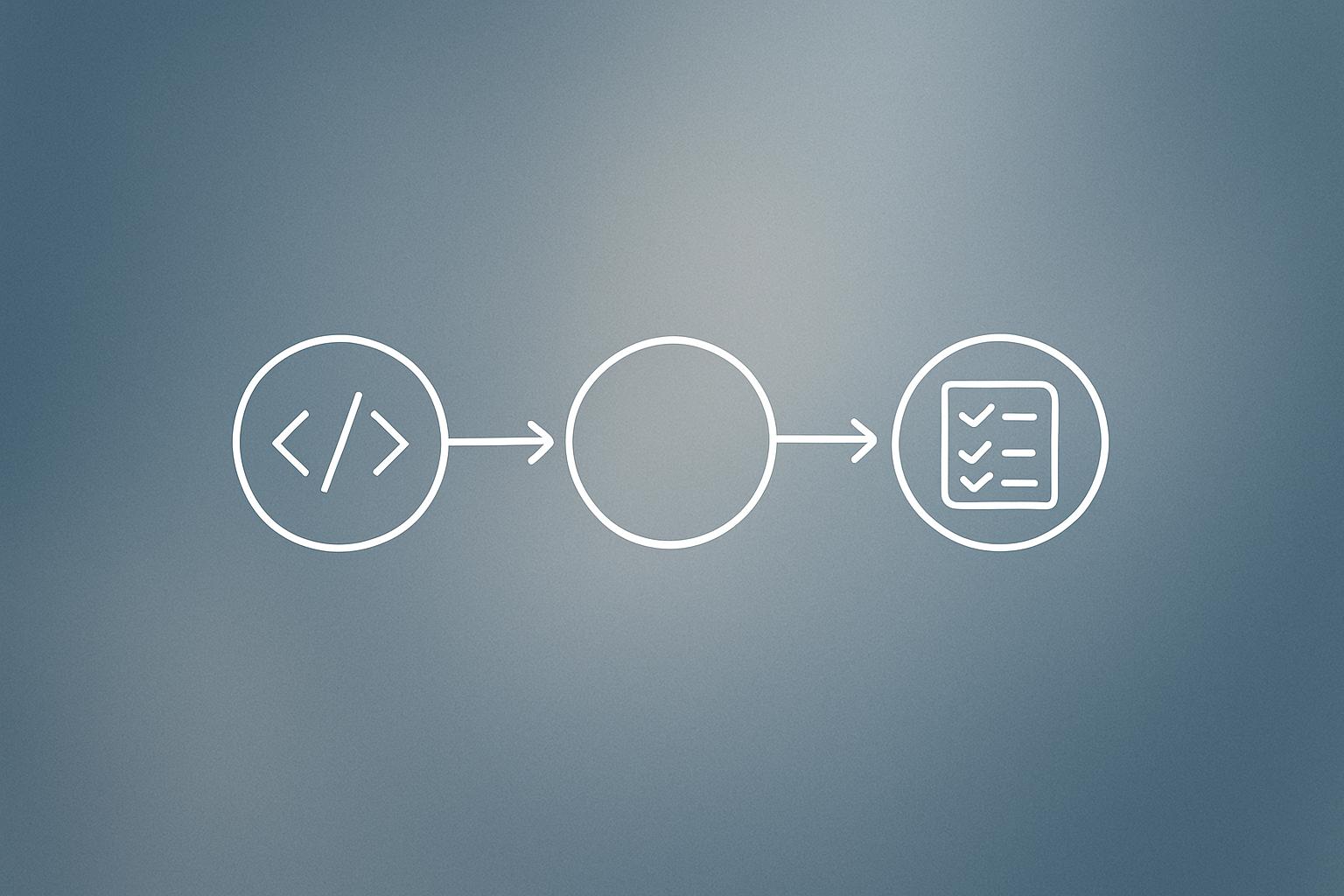
GitHub has made its Copilot cloud agent integration for Linear generally available as of July 23, 2026. The feature lets teams assign a Linear issue directly to Copilot, which then analyzes the issue, opens a draft pull request, and works autonomously inside an ephemeral GitHub Actions environment. Progress streams back to the Linear activity timeline in real time, and Copilot requests a human review once it considers the work complete.
What happened
| Detail | Fact |
|---|---|
| GA date | July 23, 2026 |
| Integration source | GitHub Marketplace (GitHub Copilot for Linear app) |
| Runtime environment | Ephemeral GitHub Actions environment |
| Plans supported | Copilot Pro, Pro+, Business, Enterprise |
| Permissions required | GitHub org owner + Linear workspace admin |
GitHub’s Copilot cloud agent is an asynchronous, autonomous background agent. Rather than assisting inside an IDE, it takes a task and runs it independently. The Linear integration makes that workflow accessible directly from your issue tracker: assign a Linear issue to Copilot, and the agent handles the rest.
Once assigned, the agent analyzes the issue contents, opens a draft pull request, and commits work to a designated branch. When it finishes, it requests a pull request review from the assignee.
What’s new in the GA release
The generally available version adds several controls that were absent or limited during preview:
- Model selection: Choose which AI model Copilot uses for a given task.
- Custom agent support: Point Copilot at a custom agent defined in your repository to match existing team workflows.
- Branch control: Set both the base branch the pull request targets and the working branch Copilot commits to.
- Mid-task steering: Mention Copilot in a Linear comment while it is working to give it updated instructions.
These settings can be applied per issue, or set globally across a workspace or team using Linear’s agent guidance feature.
Why does this matter for development teams?
The practical shift here is moving Copilot from a suggestion tool to something closer to a junior developer you can delegate to. Instead of context-switching into your editor to start a task, you stay in Linear and let the agent produce a reviewable pull request. The human job becomes reviewing and steering, not starting from scratch.
Mid-task steering via comments is the detail worth noting. It means you do not have to wait for the agent to finish before correcting its direction. That feedback loop reduces the cost of a wrong interpretation early in a task.
For teams already running workflow automation across their toolstack, this fits neatly into a pattern where human attention is reserved for decisions, not mechanics.
Our take
The Linear integration is genuinely useful for well-scoped, self-contained issues: fix this bug, add this field, update this copy. It is not a replacement for a senior engineer thinking through architecture.
The model selection control is the most interesting addition. Not every task needs the most capable (and expensive) model. Being able to route smaller tasks to lighter models is exactly the kind of cost-conscious design we cover in our look at Cursor’s routing approach, which cut AI coding costs by 30 to 50 percent by matching tasks to appropriate models.
The setup bar is real. You need org owner permissions on GitHub and workspace admin on Linear, so this is not a one-click install for most developers on a team. IT or engineering leadership will need to enable it first.
If your team is evaluating AI coding tools and wants help connecting them to the rest of your stack, the AI integration services we offer may be a useful starting point.
What to do about it
- Install the GitHub Copilot for Linear app from the GitHub Marketplace (requires org owner and Linear workspace admin access).
- Read the Linear integration documentation to configure agent guidance, model selection, custom agents, and branch settings.
- Start with a small, clearly scoped issue to test how well the agent interprets your team’s ticket style before rolling it out broadly.
- Use Linear agent guidance to set workspace-level defaults so individual contributors do not need to configure each issue manually.
Verify the agent’s branch and model defaults before assigning real work; wrong defaults across a whole workspace can create noisy pull requests fast.
Building an automation like this? Most client workflows we ship run on Make (referral link, it supports our reporting). If you would rather have it built and monitored for you, that is our workflow automation service.
Frequently asked questions
What plans include the Copilot cloud agent for Linear?
The Copilot cloud agent for Linear is available on Copilot Pro, Pro+, Business, and Enterprise plans.
What permissions do you need to set up Copilot in Linear?
You need organization owner permissions in GitHub and workspace admin privileges in Linear to install and configure the integration.
What does the Copilot cloud agent actually do when assigned a Linear issue?
It analyzes the issue, opens a draft pull request, works independently in an ephemeral GitHub Actions environment, streams progress updates to the Linear activity timeline, and requests a pull request review when the work is complete.
Can you change what the Copilot agent is doing while it's working?
Yes. You can mention Copilot in a Linear comment while the session is active to give it new or updated instructions.