SOC 2 Compliance Automation: What Workflow Orchestration Actually Solves
SOC 2 compliance automation reduces audit grunt work, but workflow orchestration is what closes the evidence gap across heterogeneous tech stacks. Here's what to automate.
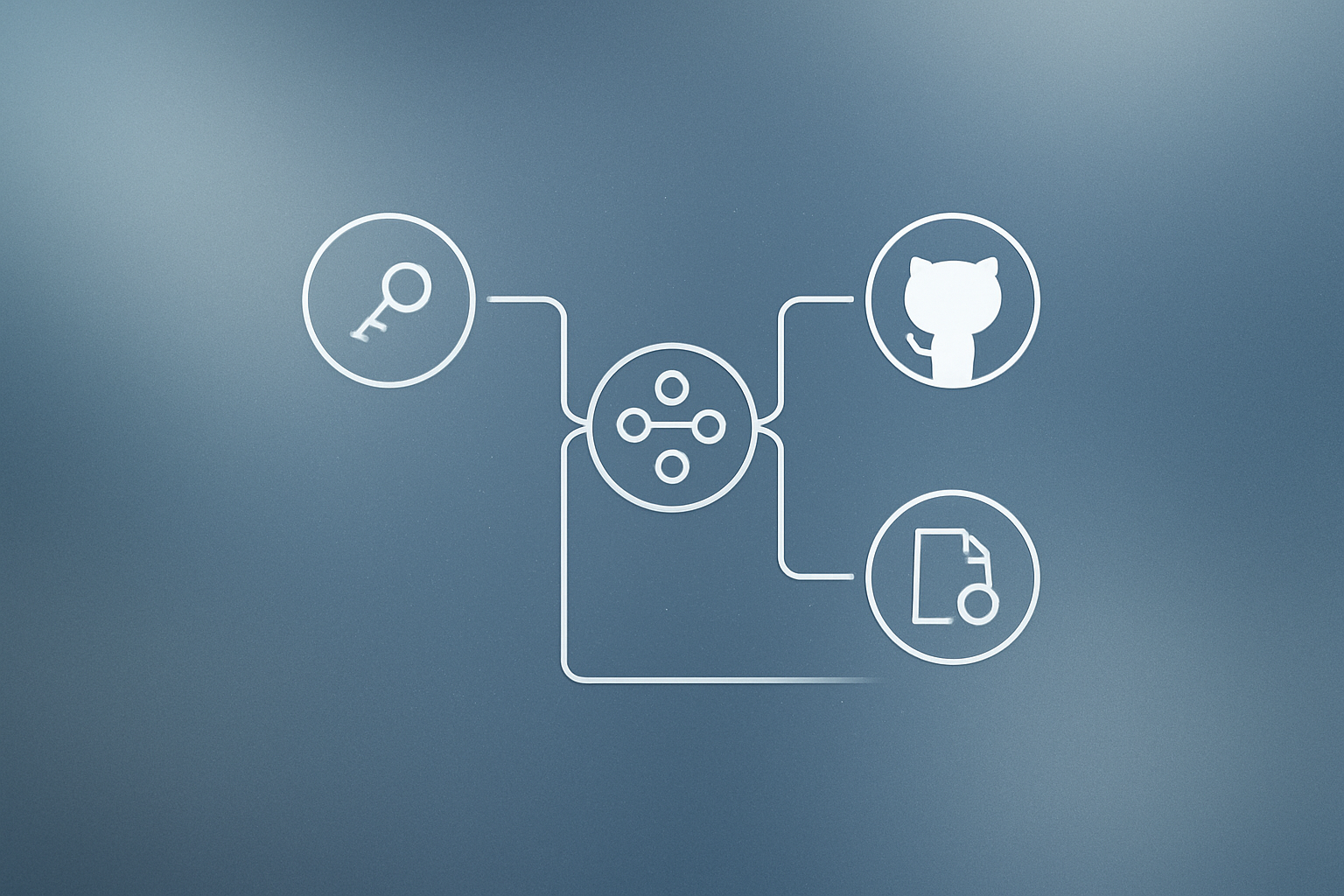
SOC 2 compliance automation is often sold as a way to cut audit prep time, but the harder problem is building a process that works year-round. Evidence for a single control can live across cloud providers, identity platforms, version control systems, and ticketing tools. When those systems don't talk to each other natively, engineers end up doing the integration by hand. Workflow orchestration closes that gap by connecting the tools GRC platforms can't reach, including custom APIs and self-hosted infrastructure.
What happened
n8n published a detailed breakdown of how SOC 2 compliance automation actually works across heterogeneous stacks: environments where evidence lives in cloud providers, identity systems like Okta, version control platforms like GitHub, ticketing tools like Jira, and internal applications that often have no native GRC connector.
| Compliance automation area | What it covers |
|---|---|
| Continuous control monitoring | Detects permission changes, configuration drift, and new resource deployments as they happen |
| Automated evidence collection | Pulls artifacts from Okta, GitHub, Jira, and other systems on a recurring schedule |
| Gap analysis and remediation tracking | Routes failed checks to ticketing systems, assigns ownership, and records corrective actions |
| Audit readiness reporting | Gives teams a live view of evidence status, control health, and unresolved issues |
Why it matters
Controls don’t fail on a schedule. Permissions drift, configurations change, and new resources are provisioned constantly. Catching those changes after the fact, during audit prep, means scrambling for evidence that may no longer reflect current state. Continuous monitoring shifts that work to real time.
The coordination problem is the bigger one. Gathering evidence manually across a dozen systems is not really an evidence problem; it’s a workflow problem. GRC platforms help teams map controls and manage auditor requests, but they can’t always reach every custom tool or proprietary API a team relies on. That last mile is where evidence collection breaks down and engineers fill the gap with spreadsheets and screenshots.
Workflow orchestration, the layer that connects systems and sequences tasks automatically, addresses exactly that. It can pull data from sources a GRC platform doesn’t support, transform it into a usable format, and load it into whatever audit repository the team maintains. For teams under strict data residency or privacy requirements, a self-hosted orchestration tool means the compliance pipeline never has to touch a vendor’s cloud.
What can and can’t be automated
Not everything in a SOC 2 program is a good fit for automation. The tasks that work well are the ones that are repeatable, rules-based, and tied to verifiable system state. Tasks that require judgment stay with humans. The dividing line matters, because over-automating governance decisions creates its own audit risk.
Safe to automate
- Pulling evidence from cloud providers, identity systems, and version control platforms
- Scheduling and tracking access reviews
- Monitoring controls for configuration drift or policy violations
- Routing alerts and failed checks into ticketing systems
- Tracking policy acknowledgments and compliance-related activity logs
- Maintaining audit trails and compliance records
Still requires human judgment
- Defining controls and deciding how they will be implemented
- Setting audit scope and compliance priorities
- Evaluating vendors and reviewing third-party risk
- Approving exceptions and documenting compensating controls
- Assessing whether a specific risk is acceptable
- Participating in auditor interviews and responding to findings
Our take
The framing here is accurate and useful. Most compliance automation guides focus on evidence collection as if it were the finish line. It isn’t. The harder part is getting that evidence to arrive consistently, from every relevant system, without an engineer manually triggering each export before every audit cycle.
Workflow orchestration tools like n8n fit well here precisely because they’re not opinionated about what systems you connect. If you have a custom internal tool, a legacy API, or a self-hosted service, you can wire it into the same pipeline that pulls from Okta and GitHub. That flexibility matters more as stacks get bigger and more bespoke. Teams we work with often find that workflow automation pays for itself fastest in exactly this kind of cross-system coordination, not in simple single-tool tasks.
One honest caveat: orchestration tools require someone to build and maintain the workflows. If your team doesn’t have that capacity, the operational overhead shifts from manual evidence gathering to pipeline maintenance. That trade-off is usually worth it at scale, but it’s not zero effort. For teams exploring this space, our broader AI and automation integration work covers where orchestration genuinely helps versus where a simpler point solution is the better call.
The goal, as n8n frames it, is a continuous compliance loop: monitor, collect, remediate, report, repeat. That’s the right target. A one-time audit sprint is not a compliance program.
What to do about it
- Map every system that holds SOC 2 evidence today, cloud providers, identity platforms, version control, ticketing, and internal tools.
- Identify which of those systems your current GRC platform can pull from natively and which require manual exports.
- Build or adopt a workflow orchestration layer to automate evidence collection from the systems your GRC platform can’t reach.
- Set up continuous control monitoring so permission changes and configuration drift surface in real time, not during audit prep.
- Route failed control checks automatically into your ticketing system with ownership assigned, so remediation tracking doesn’t fall through the cracks.
- If data residency is a concern, evaluate self-hosted orchestration options before adding another SaaS dependency to your compliance scope.
Start with the two or three evidence sources that take your team the longest to pull manually: automating those first delivers the fastest return.
Building an automation like this? Most client workflows we ship run on Make (referral link, it supports our reporting). If you would rather have it built and monitored for you, that is our workflow automation service.
Frequently asked questions
What tasks can be automated in SOC 2 compliance?
You can automate evidence collection from cloud providers, identity systems, and version control platforms; access review scheduling and tracking; control monitoring for configuration drift; routing failed checks to ticketing systems; and maintaining audit trails. Tasks requiring human judgment, such as defining controls, evaluating vendors, and responding to auditor findings, cannot be fully automated.
What is the difference between a GRC platform and workflow orchestration for SOC 2?
GRC platforms help teams map controls, manage auditor requests, and centralize compliance activities. Workflow orchestration connects systems a GRC platform can't reach natively, such as custom tools and proprietary APIs, allowing evidence to be pulled from across a heterogeneous stack automatically.
Can SOC 2 compliance automation be self-hosted?
Yes. For organizations with strict data residency, security, or privacy requirements, self-hosted workflow orchestration tools let teams run evidence collection and control monitoring pipelines entirely within their own infrastructure, without sending audit artifacts to a third-party SaaS platform.
What are the four main areas of SOC 2 compliance automation?
The four areas are: continuous control monitoring (detecting permission and configuration changes in real time), automated evidence collection (pulling artifacts from tools like Okta, GitHub, and Jira on a schedule), gap analysis and remediation tracking (routing issues to ticketing systems and recording fixes), and audit readiness reporting (giving teams a live view of control status and evidence completeness).