OpenAI Micro Keypad: $230 Hardware for ChatGPT Power Users
OpenAI's first hardware product, the Micro keypad, costs $230 and was built with Work Louder for ChatGPT and Codex users. Here's what it does and whether it's worth it.
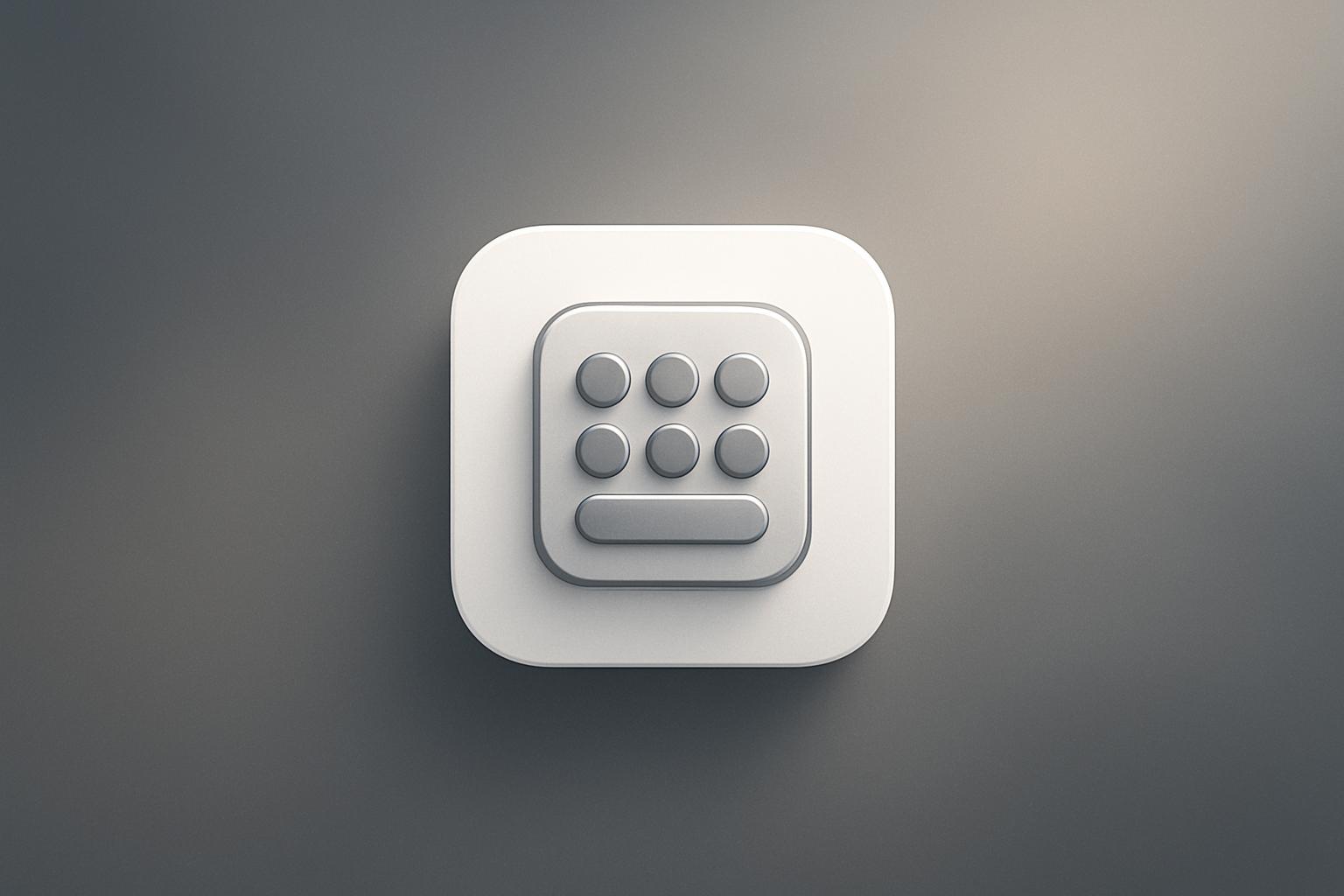
OpenAI shipped its first piece of hardware on July 24, 2026: a compact programmable keypad called Micro, built in collaboration with specialty keyboard maker Work Louder and priced at $230. The device pairs with ChatGPT and the Codex coding tool, giving users programmable keys for AI sessions, a voice dictation button, and color-coded status lights. Reception has been mixed at best, with early reviewers questioning whether it justifies its cost against cheaper alternatives already on the market.
What happened
| Detail | Fact |
|---|---|
| Product name | Micro |
| Price | $230 |
| Launch date | July 2026 |
| Co-developer | Work Louder (specialty keyboard designer) |
| Compatible software | ChatGPT, Codex (OpenAI’s agentic coding tool) |
| Connectivity | Bluetooth or USB cable |
| Agent keys | 6 frosted programmable keys |
| Command keys | 6 additional control keys |
Micro is OpenAI’s first foray into physical hardware. The keypad sits on your desk alongside your computer and is built to make navigating ChatGPT sessions and Codex projects faster. Each of the six “agent” keys can be assigned to a specific ChatGPT session or project, letting you jump between them with a single press. The six command keys control those sessions directly.
The standout feature is a dedicated voice dictation button. Hold it down, speak your instruction, then tap the adjacent send button to submit. No typing required. The keys are color-coded for status: white means idle, blue means the agent is thinking, green means the task is done, and red means something went wrong.
All configuration happens inside ChatGPT itself, through a dedicated Micro tab where you can set key assignments, adjust key brightness, and link specific projects to specific buttons.
Who is this actually for?
OpenAI positions Micro squarely at heavy ChatGPT users and coders who live inside Codex. According to TechCrunch’s hands-on review, the device does become genuinely useful once you invest the time to configure it properly. Toggling between multiple AI sessions via dedicated keys, combined with voice dictation, speeds up the workflow noticeably.
The problem is getting there. The reviewer noted a real learning curve: you need to memorize both the color-coded status system and which project sits on which key. That overhead makes the value proposition thin for anyone who only uses ChatGPT occasionally.
The TechCrunch reviewer was direct: if you are not already a ChatGPT power user, you will likely be faster on your existing mouse and keyboard for the foreseeable future.
What are people saying about the Micro keypad?
Reception from the target audience has been rough. Reddit reviews have been largely negative, with one user describing it as “a prank and not a real product.” Others argued that serious coders simply won’t use it.
Independent outlet Aftermath was blunter, running the headline “OpenAI’s expensive macropad feels engineered to piss me off specifically.” Their core criticism: $230 is hard to defend when DIY and off-the-shelf macro pad alternatives exist at a fraction of the cost.
The Apple-influenced packaging drew its own comments. The reviewer noted that Micro ships in a clean white box with a minimal aesthetic that reads as deliberately Apple-like, a detail that sits awkwardly given that Apple recently sued OpenAI over allegations of trade theft, kicking off what may be a prolonged legal dispute.
Why it matters
Micro is a signal, not just a product. OpenAI is moving into physical hardware at the same time it faces legal pressure from Apple and is reportedly developing a smart home device built by former Apple engineers. The company is clearly testing whether its software relationships with users can extend into the physical workspace.
For businesses that have already built AI into daily workflows, a dedicated hardware controller is a logical next step. The concept is sound: reduce context-switching friction, keep your hands on a physical interface, and let voice handle the rest. The execution at $230 just does not yet match that ambition for most users.
If you are evaluating AI integration for your business, the more interesting question Micro raises is whether your team’s daily ChatGPT usage is high enough that purpose-built controls would save meaningful time. For most businesses, the answer right now is probably no.
Our take
Micro is a v1 product that makes the most sense as a proof of concept. The dictation button and session-switching keys solve real friction for people who run multiple AI workflows in parallel every day. But that is a narrow audience, and $230 is a lot to charge it.
The community pushback is fair. A programmable macro pad is not a new idea. What OpenAI adds is native ChatGPT integration and color-coded agent status, which is useful but probably not $230 useful for most buyers. A future version with tighter Codex integration, lower cost, and a faster setup flow could be a different story.
We cover this kind of AI tooling closely on the Lumien AI news desk. For now, file Micro under “worth watching” rather than “worth buying” unless you are already deep in the ChatGPT power-user tier.
What to do about it
- Audit how often your team actually uses ChatGPT per day before considering any hardware purchase.
- Check whether your use case involves multiple simultaneous AI sessions or heavy Codex use; that is where Micro earns its keep.
- If you want faster AI workflows without the hardware investment, explore keyboard shortcuts and custom GPT configurations inside ChatGPT first.
- Revisit Micro at version 2, when OpenAI has had time to respond to early feedback on pricing and setup complexity.
Frequently asked questions
How much does the OpenAI Micro keypad cost?
The Micro keypad is priced at $230. Critics have argued this is hard to justify given cheaper DIY and off-the-shelf macro pad alternatives available on the market.
What does the OpenAI Micro keypad do?
Micro is a programmable keypad with six agent keys and six command keys designed to control ChatGPT sessions and the Codex coding tool. It also has a dedicated voice dictation button. Keys are color-coded: white for idle, blue for thinking, green for complete, and red for error.
How do you set up the OpenAI Micro keypad?
You configure Micro inside ChatGPT itself, through a dedicated Micro tab. From there you can assign ChatGPT sessions or projects to specific keys, adjust key brightness, and link commands. It connects via Bluetooth or USB.
Who made the OpenAI Micro keypad?
Micro was developed by OpenAI in collaboration with Work Louder, a specialty keyboard designer. It is OpenAI's first hardware product.