Nous Research Bot Mode: Hermes Agent Gets a Named Multi-Bot Roster
Nous Research ships Bot Mode in Hermes Agent v0.20.3: named bots with isolated memory, model pins, and @mention handoffs. MIT licensed, desktop-default-on.
Nous Research released Bot Mode for Hermes Agent, its MIT-licensed open-source desktop agent, on August 17, 2026. Shipping bundled and default-on in Hermes Agent v0.20.3, Bot Mode replaces a single-session list with a roster of named bots. Each bot is a full Hermes profile with isolated memory, skills, and a pinned language model. Bots pass work to each other via @mention through a persistent Agent Inbox, and group chats can coordinate up to six bots at once. The feature costs nothing and requires no cloud infrastructure.
What happened
| Detail | Fact |
|---|---|
| Release version | Hermes Agent v0.20.3 |
| License | MIT (agent and plugin) |
| Where to find it | Settings → Plugins inside Hermes Desktop, default-on |
| Max bots in a group chat | 2 to 6 |
| Max serial rounds in group chat | 3 |
| Profile storage path | ~/.hermes/profiles/<name>/ |
| Rollout path | One-day public beta plugin, then bundled into main desktop app (PR #87886) |
| Announced by | Co-founder Teknium on August 17, 2026 |
Nous Research’s co-founder Teknium first ran Bot Mode as a standalone plugin for a single day, collecting bug reports publicly before committing to fold it into the main app. That happened quickly. Per pull request #87886, the standalone repository is now archived and development continues in-tree at apps/desktop/src/plugins/hermes-bots/.
The core idea is simple: a bot is just a Hermes profile. Each one lives in its own directory with isolated config, memory, skills, credentials, and chat history. No new storage layer was added. The plugin is a UI on top of primitives Hermes already had.
How bots talk to each other
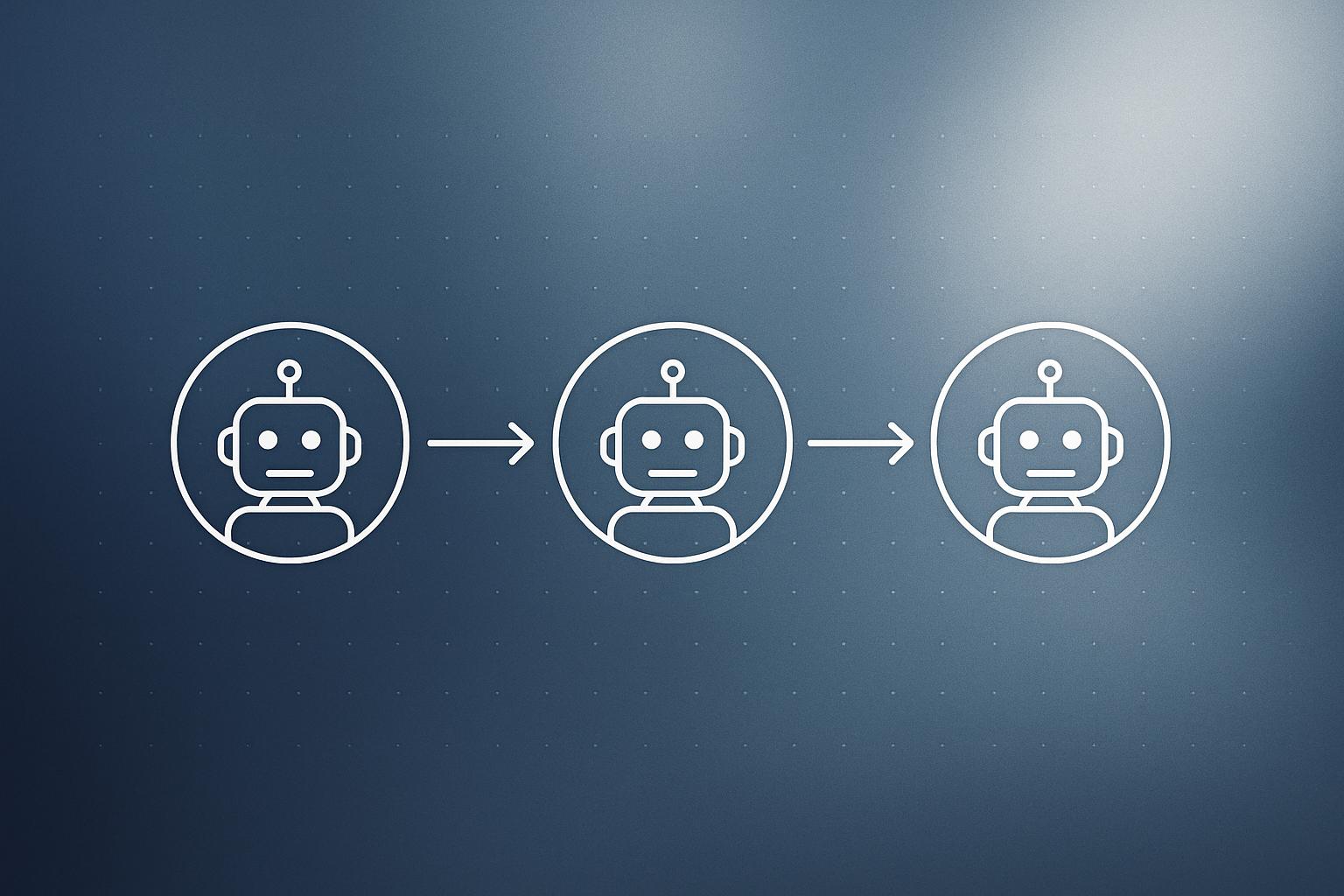
Bot-to-bot messaging works through the existing Hermes CLI. When you type @researcher have a look at this, the active bot runs a real CLI handoff: hermes -p <bot> chat -c "Agent Inbox" -q "...". Messages arrive with attribution, and each bot’s SOUL.md file defines how it should reply. There is no proprietary messaging layer sitting on top of this.
Routines work the same way. Bot schedules are standard Hermes cron jobs namespaced as [bot:<name>] <routine> and show up in hermes cron list like any other job. This keeps the mental model flat: one set of primitives, many named personas on top.
What you can configure per bot
The New Agent dialog asks for a name, title, and description. An Advanced section opens the full profile config where you can:
- Clone an existing profile
- Pin a specific provider and model
- Write a custom
SOUL.md(the bot’s behavioural instructions) - Enable or disable individual skills and toolsets
Right-clicking any bot in the roster opens Edit Profile, which edits the live profile directly. Duplicate copies config, skills, SOUL.md, memory, and appearance. Avatars are geometric faces in seven shapes and ten colors, with options to upload an image, generate a portrait, or attach a pixel pet.
Group chats and multi-source rosters
The bundled version added two features the beta did not include. Groups let you organise bots into labeled sections that sync across machines. Group chats open a shared room: your message triggers up to three serial rounds of member turns. If you mention a specific bot, that bot responds; if you mention nobody, all bots reply briefly or pass. A multi-source roster pulls bots from every connection listed under Settings → Connections.
Why it matters
Most multi-agent frameworks require cloud infrastructure, a managed runtime, or at minimum a Python environment wired together with orchestration code. Bot Mode is a desktop app feature that ships today, costs nothing, and is MIT licensed. That is a different audience and a different deployment model.
The practical value is context isolation. A research bot pinned to a heavyweight reasoning model can sit beside a writing bot running a cheaper one, and they never bleed context into each other. Per-project agents with separate memory directories are a clean answer to the common complaint that shared-context agents produce unpredictable outputs. If you are curious how autonomous agent workflows can fit into a business context, our AI integration services page covers the patterns we actually use with clients.
For teams already exploring agentic AI workloads, Bot Mode is worth watching because it demonstrates how much coordination can be built on top of CLI primitives rather than a bespoke protocol.
Our take
The engineering choice here is good: use what Hermes already had (profiles, cron, CLI handoffs) and put a UI on top. That is how you ship fast without accumulating debt. The one-day beta to bundled default timeline is also honest, not a months-long staged rollout with a marketing campaign attached.
The limits are real though. There is no admin console, no SSO, no central audit log, and no policy layer. For a solo developer or small team running experiments, that is fine. For anyone in a regulated industry or running multi-agent workflows that touch customer data, this is a workstation tool, not managed infrastructure. You will need your own controls around it.
The @mention handoff model is clever for sequential tasks (scout, reviewer, publisher) but three serial rounds is a hard ceiling in group chats. Complex workflows will hit that limit. Worth testing before committing to it as a production pattern.
What to do about it
- Update Hermes Agent to v0.20.3 and check Settings → Plugins to confirm Bot Mode is on.
- Create two bots with different model pins and run a simple @mention handoff to verify the Agent Inbox works in your environment.
- Test a group chat with three bots to see how the three-round limit behaves with your workflow before designing anything around it.
- If you are handling sensitive data, add your own audit logging at the OS level before treating this as anything beyond a local workstation tool.
- Review the archived standalone plugin repository for implementation details before the in-tree version diverges further.
Bot Mode is the most accessible multi-agent setup available right now for developers who want to experiment without standing up cloud infrastructure. Start small, test the handoff protocol, and keep your expectations matched to what a desktop tool can reliably deliver.
Frequently asked questions
What is Bot Mode in Hermes Agent?
Bot Mode is a feature in Hermes Agent v0.20.3 that turns each Hermes profile into a named bot with its own memory, skills, and pinned language model. Bots can message each other via @mention through a persistent Agent Inbox using real CLI handoffs.
Is Hermes Agent Bot Mode free to use?
Yes. Both Hermes Agent and the Bot Mode plugin are MIT licensed. The feature is bundled and default-on inside Hermes Desktop at no cost.
How do bots communicate in Hermes Bot Mode?
Bots pass work to each other through a persistent Agent Inbox using CLI handoffs (hermes -p chat -c "Agent Inbox" -q "..."). Typing @botname in a message triggers a handoff to that specific bot.
How many bots can collaborate in a Hermes group chat?
Group chats support between two and six bots, with a maximum of three serial rounds of turns per session.