Logitech MX Keypad: $99 Physical Control Surface for AI Coding
Logitech's $99.99 MX Keypad is a 9-key LCD control surface for developers, with native GitHub Copilot integration and 3 free months of Copilot Pro+.
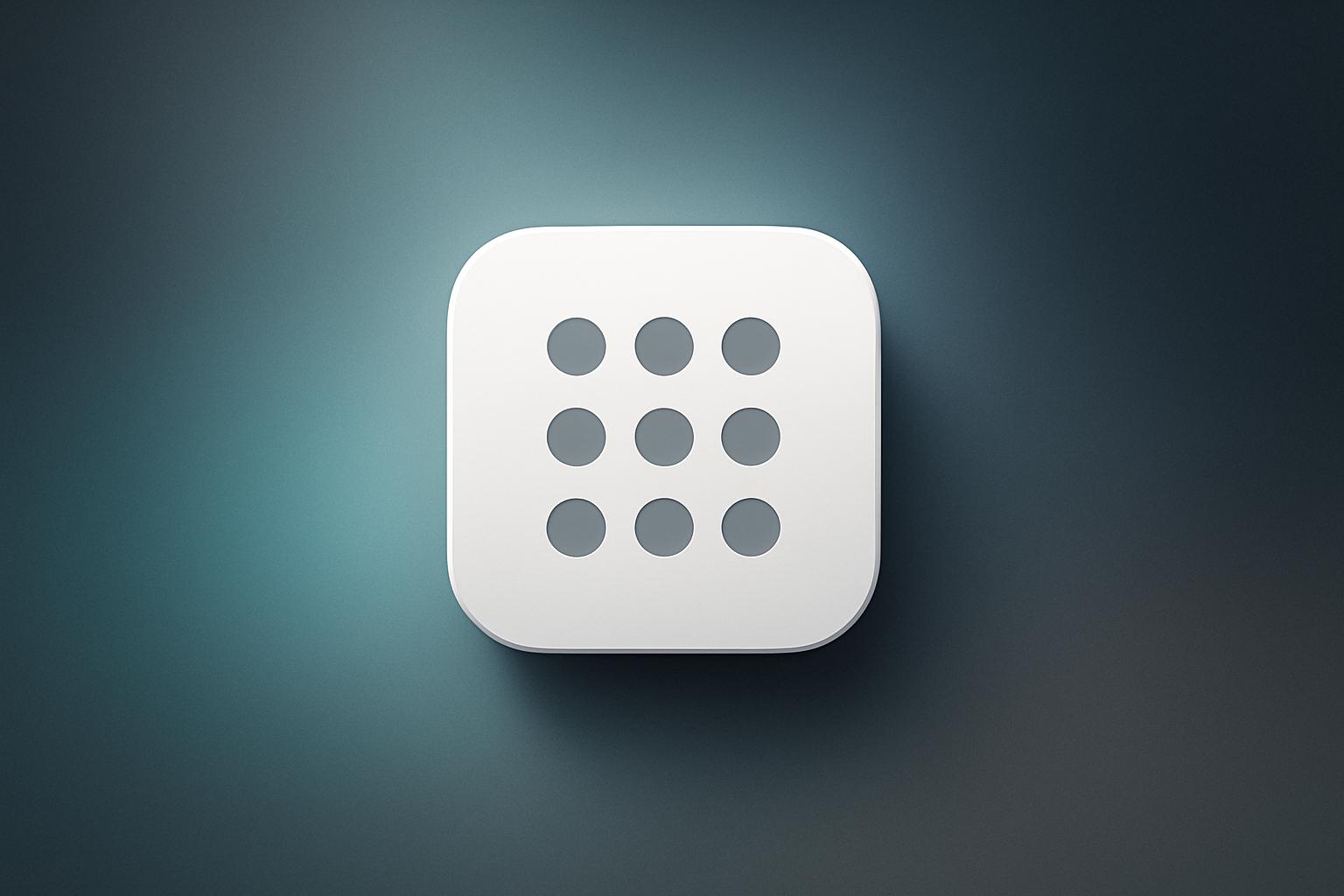
Logitech announced the MX Keypad on September 8, 2026, a compact nine-key desk accessory priced at $99.99 (or 99.99 euros) aimed at developers who split their day between AI coding agents and IDEs. Each key carries a full-color LCD label and can be mapped to shortcuts, saved prompts, or macros across multiple apps. The device ships with native GitHub Copilot integration for VS Code, three free months of Copilot Pro+, and community plugins already available for Claude Code and OpenAI Codex.
What happened
| Detail | Fact |
|---|---|
| Launch date | September 8, 2026 |
| Price | $99.99 / €99.99 |
| Colors | Graphite, Pale Grey |
| Key count | 9 keys with full-color LCD labels |
| Size / weight | ~3.6 x 3.1 inches, ~96 grams |
| Connection | USB-C |
| OS support | macOS 13+ or Windows 10+ |
| Copilot Pro+ trial included | 3 months, new and existing users |
| Recycled plastic (Graphite) | 64% post-consumer recycled |
| Recycled plastic (Pale Grey) | 49% post-consumer recycled |
The MX Keypad sits on the desk beside a laptop and connects over USB-C. Two page buttons can cycle through up to 15 pages of key layouts, and the free Logi Options+ app handles profile management. Profiles switch automatically when you move between apps like VS Code, Slack, or a browser, so the same physical keys do different things depending on what is in focus.
Logitech developed the device alongside GitHub. At launch it ships with native integration for the GitHub Copilot app and VS Code, plus community plugins on the Logi Marketplace for Claude Code and OpenAI Codex. The Codex and Claude Code plugins include agent status tracking and CLI-oriented controls. IntelliJ IDEA is also supported for navigation, terminal, and debugger controls.
How does the Logi Actions SDK work?
Developers who want more than the preset plugins can build their own using the Logi Actions SDK. Logitech supports C# and Node.js/JavaScript paths, and describes its documentation as AI-friendly so a coding agent can help generate the integration code. Published plugins appear on the Logi Marketplace and can reach the full installed base of compatible Logitech devices, which gives community authors a wider audience than a single hardware SKU would normally justify.
9to5Mac’s hands-on coverage noted a practical loop worth pointing out: use an AI agent to configure your Logi Options+ buttons around your actual ChatGPT or Copilot habits, then use those buttons to drive AI work going forward. If your agent can read your prompting patterns, that is a genuinely tight feedback cycle.
How does it compare to the MX Creative Console?
| Product | Price | Included hardware | Primary audience |
|---|---|---|---|
| MX Keypad | $99.99 | 9-key LCD pad only | Developers / AI workflows |
| MX Creative Console | $199.99 | LCD keypad + separate dialpad | Creative professionals |
The MX Keypad is essentially the LCD keypad half of the Creative Console at half the price, with a software story focused on coding rather than creative apps. For developers who do not need the dial, that pricing is more defensible.
Why it matters
Context-switching between multiple AI agents, terminals, and chat windows is a real friction cost for developers today. A labeled physical layer for repeated actions, running a refactor, triggering an agent, or jumping to a terminal, costs less mental overhead than hunting through menus. The GitHub partnership means the Copilot integration is not a third-party afterthought; it was co-designed at launch.
The three-month Copilot Pro+ trial (worth noting: available to existing users too, not just new sign-ups) lowers the barrier to testing the full integration. Teams that are already standardizing on AI integration for their development workflows will find this a concrete piece of physical infrastructure to evaluate.
Whether the keypad becomes a fixture depends on plugin depth after launch. Claude Code and Codex plugins exist now, but “agent status tracking” is vague. If those plugins mature to show token usage, error states, and task queues on the LCD keys, the value case gets much stronger. If they stay shallow, the pad is a $100 macro keyboard with good branding.
Our take
The pricing is fair relative to the Creative Console, and the hardware spec (nine labeled LCD keys, USB-C, 96 grams) is honest about what this is. We are cautiously positive, but the real test is plugin quality six months post-launch. Logitech shipped the hardware and the SDK; the community and GitHub have to make the software worth the desk space.
One genuinely interesting angle: the AI-friendly SDK documentation means you can prompt a coding agent to build your custom plugin. That is a clever positioning move that ties the product to the exact workflow it is trying to support. Whether it translates into a rich plugin ecosystem or a handful of stale marketplace entries is the open question.
For teams already deep into GitHub Copilot, the included Copilot Pro+ trial alone covers a chunk of the purchase price. The recent GitHub Copilot update for JetBrains added enterprise sandbox controls and CLI links, and the MX Keypad ships with IntelliJ IDEA support, so the timing aligns well for JetBrains users considering both upgrades at once.
What to do about it
- Check whether your team uses VS Code, IntelliJ IDEA, or the GitHub Copilot app natively. Those are the integrations with the most depth at launch.
- Visit the Logi Marketplace before buying to see how active the Claude Code and Codex plugins actually look.
- If you buy a unit, redeem the Copilot Pro+ trial in Logi Options+ immediately. It works for existing subscribers too.
- If your workflow needs something custom, check the Logi Actions SDK docs and test whether your preferred AI agent can scaffold a basic plugin for you.
The MX Keypad is worth a single unit trial for any team spending serious time in agentic coding environments; make the plugin ecosystem prove itself before buying in bulk.
Frequently asked questions
How much does the Logitech MX Keypad cost?
The MX Keypad is priced at $99.99 in the US and €99.99 in Europe. It is available in Graphite and Pale Grey and went on sale September 8, 2026 on Logitech.com in select markets.
Does the Logitech MX Keypad work with GitHub Copilot?
Yes. Logitech developed the MX Keypad in collaboration with GitHub. It ships with native integration for the GitHub Copilot app and VS Code, and every unit includes three free months of GitHub Copilot Pro+ redeemable through the Logi Options+ app.
What apps does the MX Keypad support?
Out of the box it supports GitHub Copilot, VS Code, and IntelliJ IDEA. Community plugins on the Logi Marketplace also cover Claude Code and OpenAI Codex. App-aware profiles can automatically swap button maps when you switch between tools like VS Code, Slack, or a browser.
Can I build custom plugins for the MX Keypad?
Yes. The Logi Actions SDK lets developers build custom plugins using C# or Node.js/JavaScript. Logitech describes the documentation as AI-friendly, meaning a coding agent can help generate integrations. Finished plugins can be published to the Logi Marketplace.