Apple’s Revamped Siri AI Actually Handles Real Tasks Now
Apple's second attempt at an AI-powered Siri can pull data from your email and calendar to take action. Here's what it can do and what it means for iPhone users.
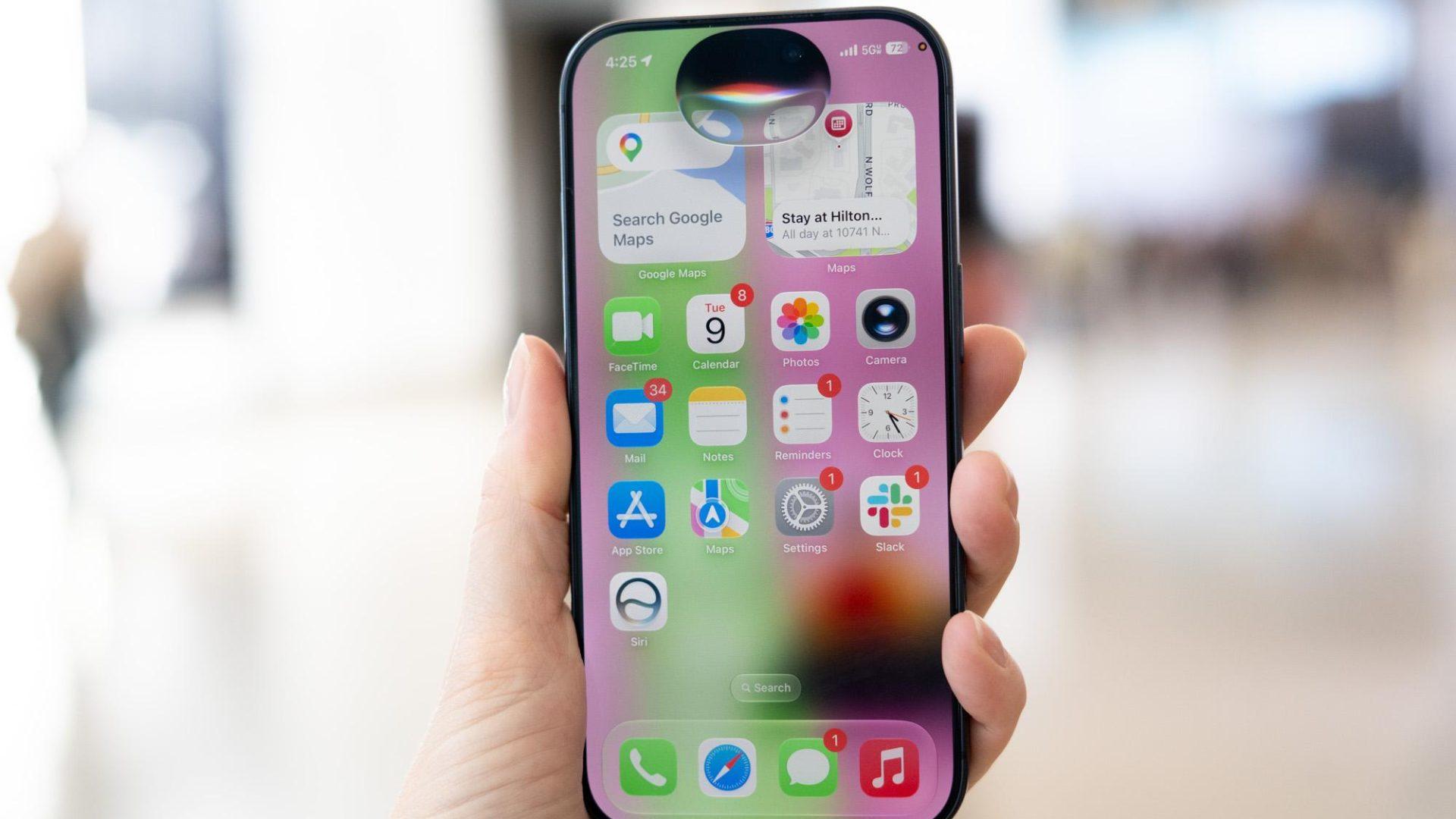
Apple is taking a second shot at an AI-capable Siri, and early hands-on testing by The Verge suggests this version actually delivers on basic practical tasks. The updated assistant can pull context from your email and calendar, allowing it to do things like transfer a schedule from a forwarded flyer directly into your calendar, build a shopping list, and set reminders with relevant follow-up steps. Apple previewed the upgrade as part of its Apple Intelligence platform, arriving with iOS 27 announced at WWDC.
What happened
Apple’s first AI-powered Siri landed with a lot of fanfare and not much capability. The company is now trying again with a notably more capable version, previewed at WWDC alongside iOS 27.
According to The Verge’s hands-on testing, the new Siri can do things the old version could not. It can hold a contextual conversation, like discussing possible causes for a sick plant in your garden, then follow that conversation with concrete next steps: a shopping list for the hardware store and a reminder to apply compost later.
The standout feature, at least for the everyday user, is the ability to read your email and calendar data and act on it. The Verge specifically called out a scenario many parents will recognise: taking a soccer schedule or a “spirit week” theme day list from a badly formatted email or photo of a flyer, and adding those events directly to the calendar in a single step.
Why it matters
This is the kind of cross-app, cross-data task that AI assistants have promised for years. Most have stopped at surfacing information. Taking action, like writing a calendar entry from an unstructured email, is a meaningfully harder problem.
For iPhone users, this closes a gap that has made Apple’s AI story feel thin compared to what Google Assistant and competing tools could already do. If the feature works reliably at launch, it removes a real friction point from daily life rather than just adding a chat interface on top of existing functions.
For businesses and operators thinking about AI in their own workflows, this is also a useful proof of concept. When an AI can read messy, real-world input (a poorly formatted flyer, a rambling email) and produce a clean, structured output (a calendar event), that same pattern applies to customer emails, booking requests, and intake forms.
Our take
Apple has a credibility problem here. The first AI Siri launch set expectations it could not meet, and a lot of iPhone users quietly turned the features off or stopped trying. That baggage matters.
One positive hands-on preview at The Verge is encouraging, but it is not a wide-scale reliability test. The real question is whether this holds up across the variety of messy, real-world inputs that actual users throw at it, not a controlled demo scenario.
That said, the specific use cases described, pulling structured data from unstructured text across email and calendar, are exactly the right things to be building. This is not a parlour trick. If it works consistently, it is genuinely useful. We would want to see this tested on the kind of input a real small business owner deals with: a supplier email with three different dates buried in paragraphs of text, or a client message that combines a meeting request with a billing question.
The pattern Apple is demonstrating is worth watching for anyone building or buying AI tools right now. Cross-context reasoning tied to real action is where the value sits, not the chat interface itself.
What to do about it
When iOS 27 becomes available, run one specific test before deciding whether to build Siri into your daily workflow:
- Forward yourself a messy, real email that contains dates, times, or a list of tasks.
- Ask Siri to add the relevant items to your calendar or reminders without any manual cleanup.
- Check the output for accuracy, including dates, names, and any details buried in the body text.
That single test will tell you more about whether the new Siri is ready for your workload than any demo video will.